
Quick Answer:
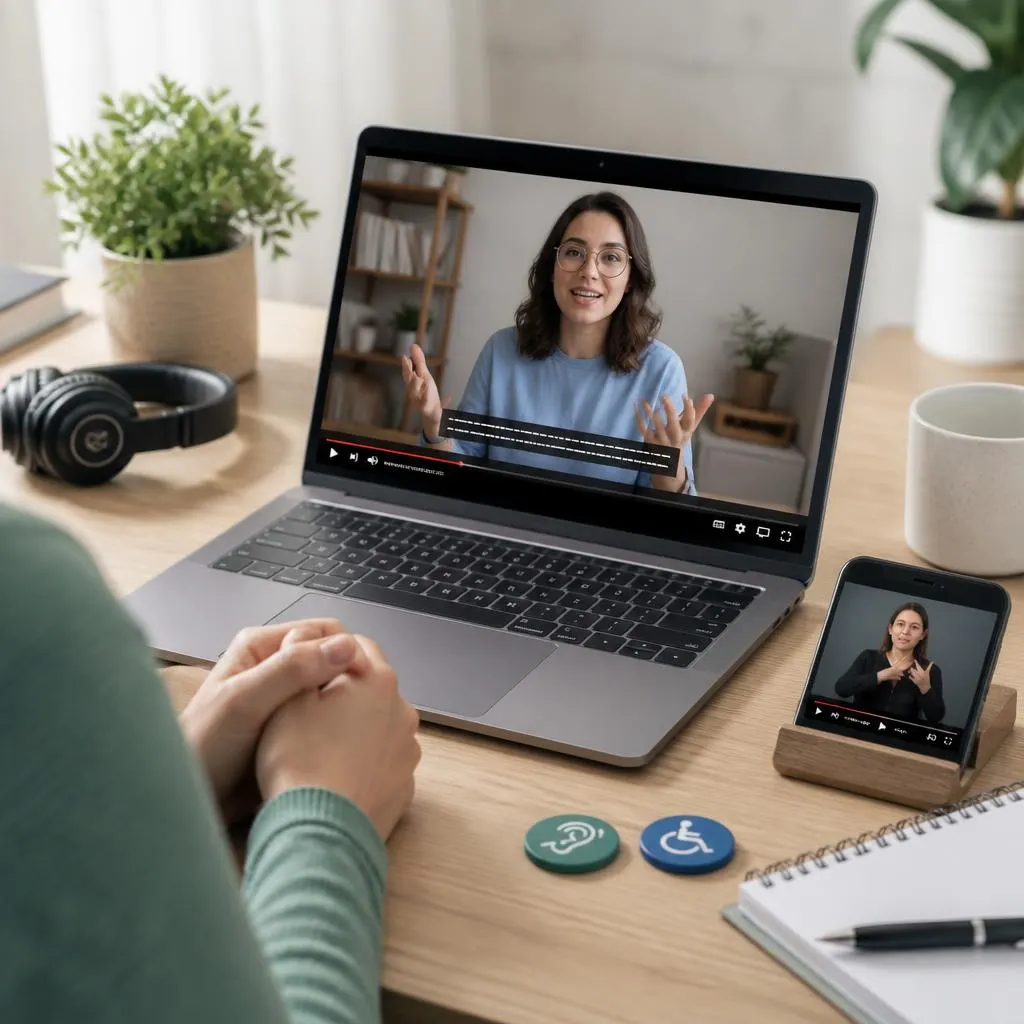
Closed caption meaning refers to on-screen text that shows spoken dialogue along with important sounds, speaker changes, and other audio cues. Unlike subtitles, closed captions help viewers understand both the words and the sounds happening in a video, even when they cannot hear the audio.
Ever watched a video with the sound off and still followed every word? That is where understanding the closed caption meaning becomes useful, because captions turn audio into clear, readable text.
Closed captions do more than display dialogue. They describe meaningful sounds, identify speakers, and make videos easier to follow for people who are deaf or hard of hearing while also helping viewers in noisy or quiet environments.
What Does Closed Caption Mean?
Closed caption means text displayed on a video or other media that represents the spoken words and relevant audio information. Closed captions help people who are deaf or hard of hearing follow conversations, but they can also help viewers watching without sound, learning a language, dealing with unclear audio, or viewing content in noisy places.
For example, a closed caption may identify both dialogue and important sounds:
- Speaker: I finally made it home.
- Door opens.
- Soft music plays.
- Phone vibrates.
The key difference is that closed captions are optional for the viewer, while open captions remain visible as part of the video.
What Do Closed Captions Include?
Depending on the content, closed captions can include:
- Spoken dialogue
- Speaker identification
- Important background sounds
- Music descriptions
- Laughter
- Applause
- Phone or notification sounds
- Changes in who is speaking
- Other audio details that help communicate meaning
Good captions do more than simply transcribe speech. They provide enough information for someone who cannot hear the audio to understand what is happening.
Closed Captions vs. Open Captions
The biggest difference comes down to viewer control.
Closed captions can usually be switched on or off through a video player’s caption settings. Open captions are permanently embedded into the video and remain visible to everyone.
For example, a YouTube video may allow viewers to select the CC button. Those are closed captions. If the text has been permanently added to the video during editing, viewers cannot normally remove it.
Why Do Closed Captions Matter?
Closed captions make digital content more accessible. They allow more people to understand videos without depending entirely on audio.
They can be particularly useful for:
Deaf and Hard of Hearing Viewers
Captions provide access to spoken content and important sounds that would otherwise be difficult or impossible to follow.
People Watching Without Sound
Someone may watch a video in a public place, office, waiting room, or other environment where playing audio is inconvenient.
Language Learners
Captions can help viewers connect spoken words with written language, making unfamiliar speech easier to understand.
People With Difficult Audio Conditions
Background noise, poor speakers, accents, fast speech, or low recording quality can make dialogue difficult to understand. Captions provide a readable alternative.
What Is the Difference Between Closed Captions and Subtitles?
People often use the terms interchangeably, but they can serve different purposes.
Subtitles generally focus on spoken dialogue and are often created for viewers who can hear the audio but do not understand the language being spoken.
Closed captions typically include dialogue plus relevant non-speech audio information.
For example:
Subtitle:
- I need to leave now.
Closed caption:
- I need to leave now.
- Phone rings.
- Footsteps approach.
The exact terminology can vary between platforms and industries, but the distinction is useful when discussing accessibility.
What Makes Closed Captions Accessible?
Not every transcript automatically creates a good accessibility experience. Effective captions should be accurate, readable, synchronized with the audio, and clear enough to follow naturally.
Accuracy
The captions should match the spoken content as closely as possible. Incorrect words can change the meaning of a sentence and make a video confusing.
Timing
Captions should appear when the corresponding speech or sound occurs. Poor timing can force viewers to read too early or too late.
Readability
Text should remain on screen long enough to read comfortably. Clear wording, sensible line breaks, and appropriate positioning can improve the experience.
Speaker Identification
When several people speak, viewers need to know who is talking when the distinction is not obvious.
Important Sound Information
Relevant sounds should appear when they contribute to understanding the scene.
For example:
- Crowd cheering
- Doorbell rings
- Dog barking
- Phone buzzes
- Music fades
- Person laughs
Not every background noise needs a caption. The goal is to include information that matters to understanding the content.
How Closed Captions Work on Video Platforms
Many modern video platforms provide built-in caption options. Depending on the service, creators may upload a caption file, create captions manually, or use automatic speech recognition.
Automatic captions can save time, but creators should review them before publishing. Names, technical terms, accents, background noise, and fast speech can cause transcription errors.
A careful review can improve:
- Accuracy
- Timing
- Speaker identification
- Punctuation
- Spelling
- Sound descriptions
- Overall readability
Closed Captions and Social Media Videos
Short videos on social platforms often benefit from captions because viewers may encounter them while their sound is muted.
Creators can use either platform-generated closed captions or text that they permanently add to the video. The better option depends on the purpose of the content.
For accessibility, creators should avoid relying only on decorative text that happens to repeat some of the dialogue. Proper captions should communicate the relevant audio content in a clear and understandable way.
Closed Captions for Online Classes and Presentations
Captions can also improve accessibility for:
- Online courses
- Webinars
- Virtual meetings
- Training videos
- Tutorials
- Recorded presentations
- Educational videos
- Workplace content
For educational material, accurate captions can help students review complicated explanations and search through recorded content when the platform supports transcript searching.
Common Closed Caption Mistakes
A few problems can make captions harder to use.
Relying Completely on Automatic Captions
Automatic transcription is useful, but it can make mistakes. Always review important videos before publishing.
Captioning Only the Dialogue
If an important sound changes the meaning of a scene, leaving it out can reduce accessibility.
Poor Timing
Captions that appear too early, disappear too quickly, or lag behind speech can become frustrating.
Overcrowding the Screen
Too much text at once can make captions difficult to read. Keep the presentation clean and synchronized with the speech.
Ignoring Speaker Changes
When multiple people talk, unclear speaker identification can make conversations difficult to follow.
Closed Captions vs. Transcripts
A transcript presents the spoken content of a video in a written format. Closed captions synchronize that information with the video.
A transcript may be useful for reading or searching. Captions are designed to work alongside the video in real time.
For accessibility, both can be valuable, but they serve different purposes.
Are Closed Captions Only for Accessibility?
No. Accessibility is one of their most important purposes, but captions can help many other viewers too.
People use captions because:
- They are watching without sound.
- The environment is noisy.
- The speaker’s voice is difficult to hear.
- They want to understand unfamiliar accents.
- They are learning a language.
- They want to follow technical terminology.
- They prefer reading along with speech.
That makes captions useful for both accessibility and everyday viewing.
How to Tell If a Video Has Closed Captions
Look for a CC icon or a captions option in the video player. Selecting it usually opens a menu where you can enable, disable, or sometimes change the caption language.
The exact controls depend on the platform and device.
Frequently Asked Questions
What does closed caption mean in simple words?
Closed captions are text on a video that shows what people say and, when useful, describes important sounds. Viewers can normally turn them on or off.
What does CC mean on a video?
CC usually stands for closed captions. It indicates that captioning is available for the video.
Are closed captions the same as subtitles?
Not always. Subtitles generally focus on dialogue, often for language translation. Closed captions can also include important non-speech audio information.
Can closed captions be turned off?
Usually, yes. That viewer-controlled feature is one of the main differences between closed and open captions.
Who benefits from closed captions?
Deaf and hard of hearing viewers benefit significantly, but captions can also help language learners, people watching without sound, and anyone who has difficulty hearing or understanding dialogue.
Do closed captions include sounds?
They can. Relevant sounds such as laughter, applause, a phone ringing, or a door closing may be included when they help communicate what is happening.
Are automatic captions always accurate?
No. Automatic captions can contain errors, especially with names, accents, technical vocabulary, overlapping speakers, or poor audio. Reviewing captions improves accuracy.
Why are closed captions important for accessibility?
They provide an alternative way to receive spoken and important audio information, allowing more people to understand video content independently.
conclusion
Understanding what does closed caption mean is simple once you know the difference between dialogue text and complete audio accessibility. Closed captions can communicate spoken words, important sounds, speaker changes, and other audio details that help viewers understand a video.
For creators, accurate and well-timed captions make videos easier to follow and more accessible. For viewers, captions provide flexibility, whether they need them for accessibility or simply prefer watching with text.