How to Turn Off Closed Caption: Quick Guide for TV, Phone & Apps

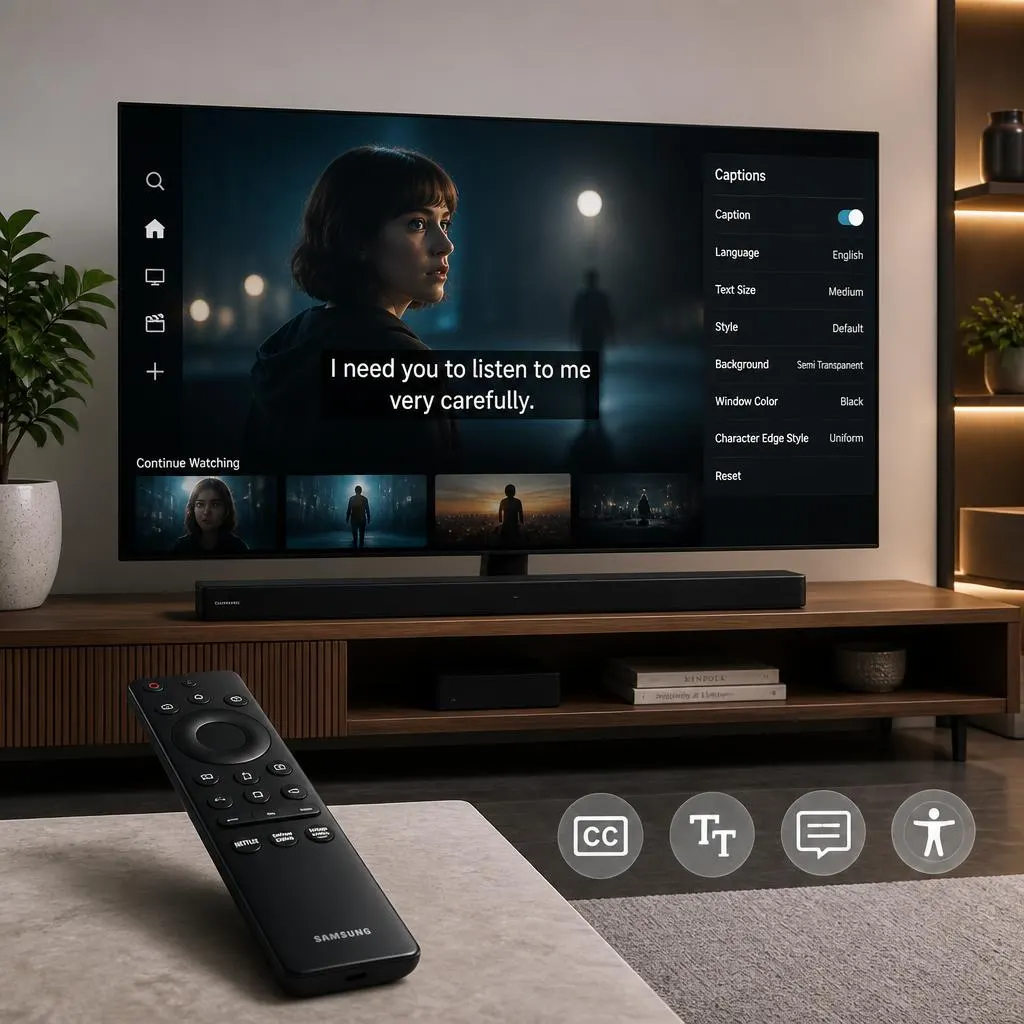
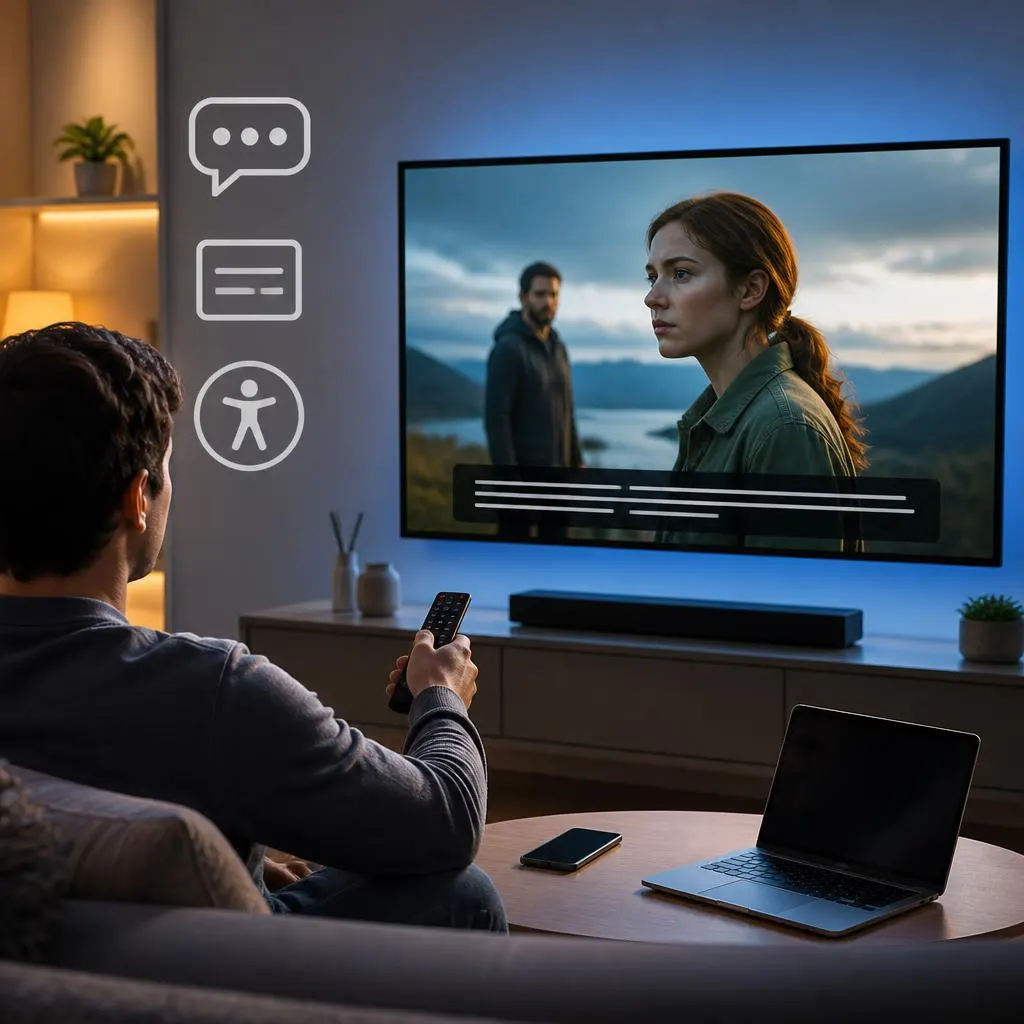
Quick Answer:To turn off closed caption, start playing your video and select the CC, Captions, or Subtitles icon. Choose Off or None to remove the text from the screen. If captions keep appearing, open your device or app’s Accessibility, Captions, or Subtitle settings and disable them there. To turn off closed caption, open the video …
Read more about How to Turn Off Closed Caption: Quick Guide for TV, Phone & Apps