
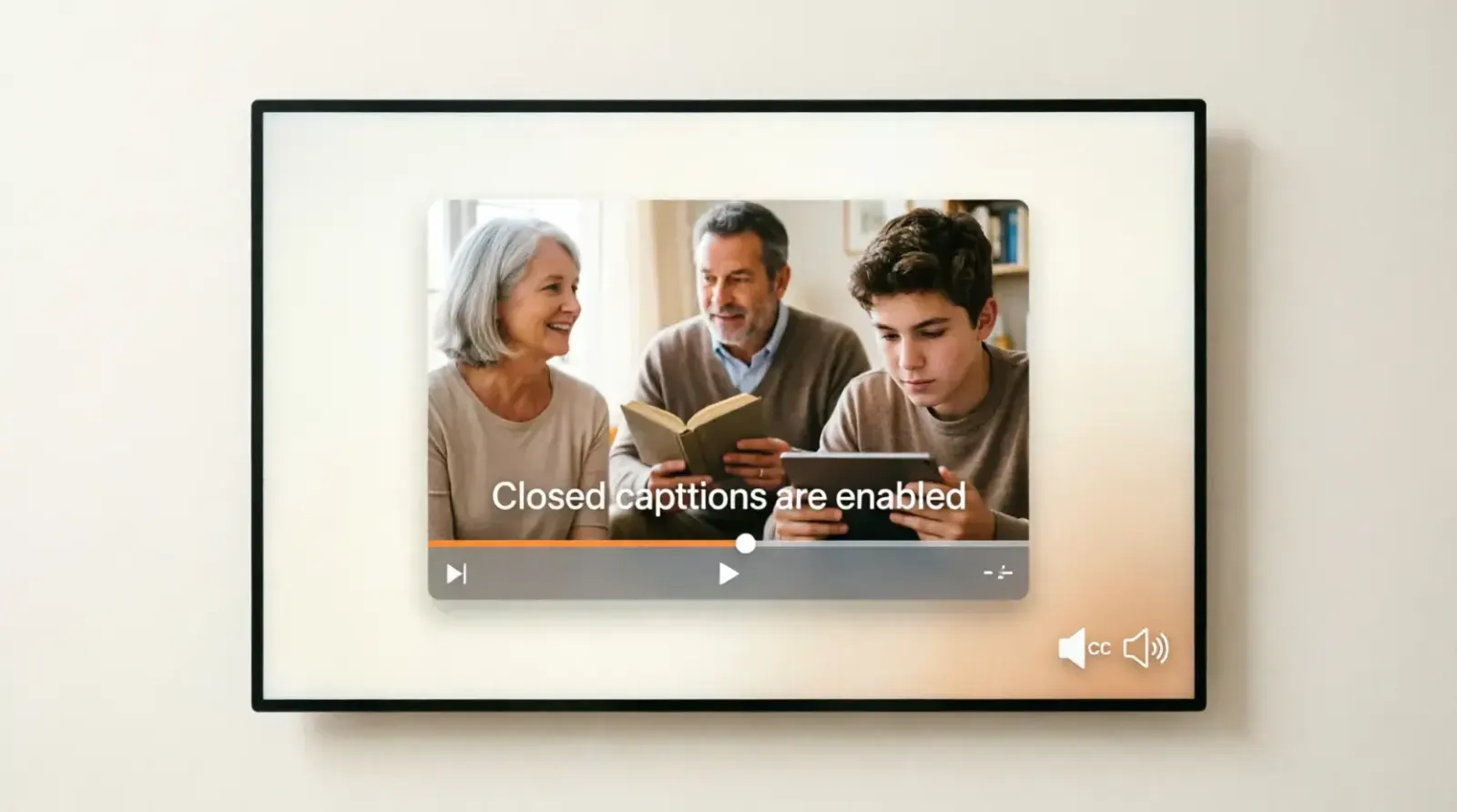
What Are Closed Captions?
Closed captions are on-screen text versions of spoken words and important sound effects in videos, TV shows, movies, and online content. They are designed mainly for viewers who are deaf or hard of hearing, but they are also widely used by people watching videos in noisy environments or without sound.
Unlike simple subtitles, closed captions include more than dialogue. They also describe background sounds, speaker identification, and audio cues like music or applause.
In short, closed captions turn audio into readable text so that video content becomes accessible to everyone.
Closed Captions in Social Media and Short-Form Video Content
Closed captions have become especially important in today’s fast-growing social media environment, where short-form videos dominate platforms like YouTube Shorts, TikTok, Facebook Reels, and Instagram Reels.
A large percentage of users scroll through videos with their sound turned off, which makes captions the primary way to capture attention and deliver meaning.
In fact, creators who use captions often see higher engagement because viewers are more likely to stop scrolling when they can immediately understand the content without audio.
Captions also help reinforce messaging in fast-paced videos where speech may be quick or accented, ensuring that no information is lost.
Beyond engagement, captions also improve shareability because viewers can easily follow and understand the content even in silent environments like public transport, classrooms, or workplaces.
This shift has made closed captions not just an accessibility feature but a core part of modern content strategy for influencers, brands, and marketers aiming to reach wider audiences effectively.
Quick Answer: Closed Captions Meaning
Closed captions are text overlays that display spoken dialogue and sound effects in videos, allowing viewers to understand content without hearing audio.
They can be turned on or off (that’s why they are called “closed”).
Why Closed Captions Matter Today
Closed captions are no longer optional they are essential for modern digital content.
They improve:
- Accessibility for deaf and hard-of-hearing users
- Comprehension in noisy environments
- Language learning and literacy
- Video engagement and watch time
- SEO performance of video content
Many platforms like YouTube, Netflix, and social media apps rely heavily on captions to reach global audiences.
Closed Captions and SEO Benefits for Websites and Video Platforms
Closed captions also play a powerful role in search engine optimization (SEO), especially for video content hosted on websites or platforms like YouTube. Search engines cannot “watch” videos, but they can crawl and index text.
When captions are added, they provide valuable textual data that helps search engines understand what the video is about. This improves the chances of ranking in search results for relevant keywords. For example, a tutorial video with properly written captions can rank for multiple search queries because the spoken content becomes searchable text.
Additionally, captions increase user retention, which is another important ranking factor. When viewers stay longer on a video because they can read along, it signals high-quality content to algorithms.
Captions can also improve accessibility scores, which indirectly supports better visibility on platforms that prioritize user-friendly content.
For website owners, embedding captioned videos can also reduce bounce rates and increase dwell time, both of which contribute positively to overall domain authority and organic traffic growth.
Closed Captions vs Subtitles vs Open Captions
These terms are often confused, but they are not the same.
1. Closed Captions (CC)
- Can be turned on/off
- Include dialogue + sound effects + speaker labels
- Designed for accessibility
2. Subtitles
- Usually only dialogue
- Assume viewer can hear audio
- Focus on translation or language support
3. Open Captions
- Always visible (cannot be turned off)
- Burned into the video
- Often used in ads or public displays
What Closed Captions Include
Closed captions are richer than subtitles. They often include:
- Spoken dialogue
- Speaker identification
- Background sounds
- Music descriptions
- Silence or pauses
- Emotional tone (sometimes)
Example of Closed Captions
[Music playing softly]
John: I can’t believe we made it here.
[Door creaks open]
Sara: Did you hear that?
[Footsteps approaching]
Types of Closed Captions
1. Offline Captions
Created before publishing a video. Common in movies and TV.
2. Live Captions
Generated in real-time during broadcasts, webinars, or live streams.
3. Automatic Captions
Generated by AI tools like YouTube auto-captioning.
4. Edited Captions
Manually corrected captions for accuracy and readability.
Technical Standards and Formats Used for Closed Captions
Closed captions are not just visual text overlays they are structured files that follow specific technical standards to ensure proper synchronization with video content. The most common formats include SRT (SubRip Subtitle), VTT (Web Video Text Tracks), and SCC (Scenarist Closed Caption).
Each format contains time-coded text that tells the video player exactly when to display and hide each caption line. For example, an SRT file includes sequential numbering, start and end timestamps, and the caption text itself.
VTT files are more flexible and commonly used for web-based video players because they support styling, positioning, and metadata. These formats ensure that captions remain perfectly synchronized even when videos are played at different speeds or on different devices.
Professional video production workflows often include a captioning stage where editors manually refine AI-generated captions to improve accuracy and readability.
This is especially important in industries like education, broadcasting, and legal media, where even small errors in captions can change meaning or reduce clarity. Understanding these formats helps creators produce more professional and accessible content.
How Closed Captions Work
Closed captions are usually stored in a separate file or embedded track.
Common formats include:
- .SRT (SubRip Subtitle)
- .VTT (WebVTT)
- .SCC (Scenarist Closed Caption)
Video players read these files and display text in sync with audio timing codes.
Benefits of Closed Captions
1. Accessibility for Everyone
Millions of people rely on captions to understand video content.
2. Better Engagement
Users watch videos longer when captions are available.
3. Silent Viewing Friendly
Most social media videos are watched without sound.
4. Improved SEO
Search engines can index caption text, helping videos rank better.
5. Language Learning Support
Captions help users learn pronunciation and vocabulary.
Where You See Closed Captions
Closed captions are used across many platforms:
- YouTube videos
- Netflix and streaming services
- TV broadcasts
- Facebook and Instagram videos
- Online courses
- Webinars and meetings
How to Turn On Closed Captions
YouTube
- Open a video
- Click the “CC” button
- Select language if available
Netflix
- Play a video
- Click “Audio & Subtitles”
- Choose subtitle/caption option
Mobile Devices
Most video apps include a CC toggle in settings or playback menu.
Closed Captions for Content Creators
If you create videos, captions should not be optional.
Why creators should use captions:
- More views from silent autoplay users
- Better accessibility compliance
- Higher audience retention
- Global audience reach
Caption best practices:
- Keep text short and readable
- Sync captions properly with speech
- Use correct punctuation
- Identify speakers clearly
- Avoid long text blocks
Common Closed Caption Mistakes
1. Auto-caption errors
AI-generated captions often misinterpret words.
2. Missing sound effects
Important context like laughter or music is often skipped.
3. Poor timing
Captions appear too early or too late.
4. Overcrowded text
Too many words on screen reduce readability.
5. No speaker labels
Confuses viewers in multi-person conversations.
Real-World Closed Caption Examples
Here are practical caption styles used in videos:
[Applause]
Emma: Welcome everyone to the event.
[Music fades in]
Narrator: This is where the journey begins.
[Phone ringing]
Alex: I’ll call you back in five minutes.
[Wind blowing]
They walked silently through the forest.
Closed Captions in Education
Closed captions are widely used in learning environments.
They help students:
- Follow lectures easily
- Take better notes
- Understand complex topics
- Learn new languages
Many online learning platforms now require captions for every video lesson.
Closed Captions and Accessibility Standards
Closed captions are part of global accessibility guidelines.
They support:
- Inclusive education
- Disability rights compliance
- Equal digital access
Many countries require broadcasters and educational platforms to provide captioning by law.
Future of Closed Captions
Closed captions are evolving with technology.
Future trends include:
- Real-time AI translation captions
- Emotion-aware captioning
- Multi-language live captions
- Smarter speaker recognition
- Personalized caption styles
AI is making captions faster, but human editing is still important for accuracy.
Challenges and Limitations of Closed Captioning Systems
Despite their benefits, closed captioning systems are not perfect and still face several challenges. One of the biggest issues is accuracy, especially when using automatic captioning tools powered by AI.
These systems may struggle with accents, background noise, technical jargon, or fast speech, leading to incorrect or confusing captions. Another challenge is timing synchronization, where captions may appear too early or too late, disrupting the viewer’s experience.
Additionally, many automated systems fail to capture emotional context, such as sarcasm, humor, or tone, which can lead to misunderstandings. In live broadcasts, latency issues can also affect caption accuracy, as real-time transcription may lag behind spoken dialogue.
Another limitation is formatting consistency, where captions may appear too long or too cluttered on screen, reducing readability. Because of these challenges, human editing is still widely used to refine captions for professional content.
While technology continues to improve, combining AI efficiency with human review remains the most effective way to ensure high-quality closed captions that are both accurate and user-friendly.
FAQs About Closed Captions
Are closed captions the same as subtitles?
No. Captions include sounds and speaker info, while subtitles usually only show dialogue.
Can I turn off closed captions?
Yes. That’s why they are called “closed” you can enable or disable them.
Do captions help SEO?
Yes. Search engines can read caption text and improve video discoverability.
Are closed captions required by law?
In many countries, yes especially for broadcast media and educational content.
Why are captions sometimes incorrect?
Automatic captions may mishear words due to background noise or accents.
Conclusion
Closed captions are a key part of modern digital communication. They make videos accessible, improve comprehension, and increase engagement across all platforms. Whether you are a viewer, student, or content creator, captions help you connect with content more effectively.
They are not just a feature they are a standard for inclusive and high-quality media.