
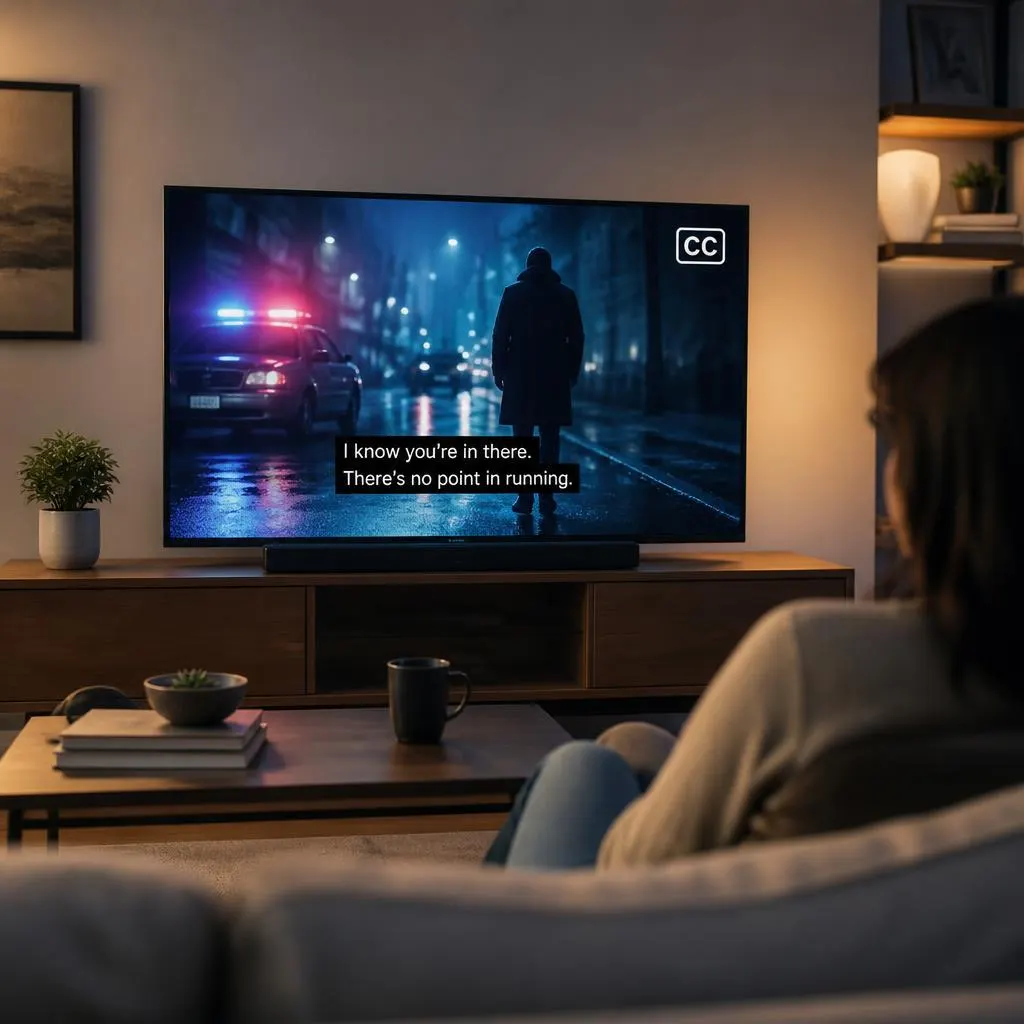
Quick Answer:
Start with the official streaming listings for the version you want. The 2015 The Fixer has been listed on Tubi with English subtitles and on Apple TV in the United States with English SDH subtitles. Availability can change, and these listings do not guarantee access in every country.
If you are asking, “How can I watch The Fixer series with closed captions?”, the first step is to identify which version of the show you want to watch and which streaming services offer it in your country. Once you find the correct listing, you can check for closed captions, English subtitles, or SDH subtitles and enable the option in the video player.
There are multiple television productions titled The Fixer, so choosing the right release matters. The 2008 British crime drama and the 2015 thriller have different listings and may have different streaming and accessibility options. A service that carries one version might not carry the other.
This guide explains how to find the series, turn on closed captions across different devices, troubleshoot missing captions, and understand which accessibility option best fits your needs.
How Can I Watch The Fixer With Closed Captions?
Here are the places to check first.
Check the official Tubi listing for the series and its available subtitle options. You can also inspect the Apple TV listing for the English SDH track.
If you mean the British crime drama about John Mercer, look for the 2008 release specifically. Check the regional streaming catalog and verify that the episode offers the caption language you need.
A useful tip: If you need captions for hearing accessibility, look for CC or SDH, not just the word “subtitles.” Those labels are more likely to indicate that relevant sound information appears alongside dialogue.
Turn On Closed Captions on Your Device
After locating an authorized version of the series, follow the instructions for your device. The exact menu names can vary between apps and software versions.
How to Enable Captions on a Smart TV
Use these steps if you watch television through a built in streaming app or a connected streaming device.
- Open the streaming service that carries the correct version of The Fixer.
- Start an episode.
- Press the OK, Select, or Down button on your remote to reveal the playback controls.
- Find the CC icon, speech bubble, or Audio and Subtitles menu.
- Choose English CC, English SDH, or another available language.
- Return to playback and confirm that captions appear.
If the caption menu is missing, check your television’s accessibility settings. However, the TV cannot display a caption track that the streaming provider does not offer.
How to Watch With Captions on a Phone
Watching on a phone is usually simple because most streaming apps put subtitle controls directly in the player.
- Open the official streaming app.
- Play an episode of The Fixer.
- Tap the video to display the controls.
- Tap the CC or subtitle icon.
- Select your preferred available language.
- Resume playback and check the captions.
If the text does not appear, close the menu and select the track again. You can also restart the app or install its latest update.
How to Enable Captions on a Computer
If you watch on a laptop or desktop, the controls are usually available inside the video player.
- Visit the streaming service’s official website.
- Sign in if necessary.
- Start the episode.
- Move your mouse over the video.
- Click the CC or Audio and Subtitles icon.
- Select the appropriate caption track.
You can also use keyboard navigation on supported websites. Press Tab to move through the available controls and Enter or Space to select an option.
How to Watch on Apple TV
If the Apple TV listing in your region carries the series, start an episode and open the playback controls. Find the subtitle or audio menu, then select English SDH if that option is available.
If you cannot see SDH, check the episode’s language information and the accessibility settings on your device. The available options depend on the title and your region.
How to Watch on Google TV or Other Streaming Devices
Open the video player and look for the subtitle, CC, or audio menu. Select the available caption language before returning to the episode.
If your device offers a system wide caption setting, you can also review that setting. Keep in mind that system settings do not guarantee captions for every streaming app or video.
Closed Captions vs. Subtitles: Which One Should You Choose?
The distinction matters because different services use these terms differently.
Closed captions (CC)
Closed captions can include dialogue, speaker identification, and descriptions of important sounds. For example, a caption might say that a phone rings or a door slams.
Standard subtitles
Standard subtitles usually display spoken dialogue. They may translate dialogue into another language, but they do not necessarily describe sound effects or music.
SDH subtitles
SDH stands for subtitles for the deaf and hard of hearing. These typically include dialogue and relevant sound descriptions, making them a useful accessibility option.
For The Fixer, choose CC or SDH if you want to follow both conversations and important sounds. Standard English subtitles may be enough if your main goal is to understand the dialogue.
What If The Fixer Has No Closed Captions?
Finding the show is only half the task. Sometimes the listing appears correct, but the caption track is unavailable or does not work.
Try these solutions before switching services.
Check the Release Year
Search for The Fixer with its release year. This helps separate the 2008 British drama from the 2015 thriller.
If you search only for the title, you might land on the wrong program and assume that the captions are missing.
Check the Language Options Before Paying
Look at the streaming service’s language information or open the playback menu. Confirm that the required caption language is available.
Do not assume that an English subtitle track is equivalent to English SDH. If you need sound descriptions, check for the specific accessibility label.
Confirm Regional Availability
Streaming catalogs vary by country. A title available in the United States might not be accessible through the same service in Pakistan, the United Kingdom, Canada, or Australia.
If you are watching from Pakistan, check the service’s local catalog and terms before subscribing. A US listing is useful for identifying a title, but it does not prove that the show is available locally.
Restart the Episode or App
If the service advertises captions but the text does not appear:
- Pause the episode and reopen the subtitle menu.
- Select the caption track again.
- Restart the episode.
- Update the app.
- Try a different supported device.
- Contact the streaming service if the problem continues.
These steps can resolve playback issues, although they cannot add captions that the provider has not supplied.
Avoid Unofficial Streaming Websites
Be careful with websites promising free episodes and captions through unfamiliar downloads, browser extensions, or suspicious payment pages. Use official streaming platforms and licensed digital stores whenever possible.
How Closed Captions Make The Fixer Easier to Follow
Closed captions can improve the viewing experience in several situations, not just when someone has hearing loss.
- For deaf and hard of hearing viewers: Sound descriptions help communicate information that dialogue alone cannot provide.
- For English learners: Reading dialogue while listening can help with unfamiliar words, accents, and pronunciation.
- For noisy environments: Captions help you follow conversations when background noise makes dialogue difficult to hear.
- For quiet viewing: You can keep the volume low without losing as much dialogue.
- For complicated scenes: Speaker labels and relevant sound cues can help you understand what is happening.
For the most accessible experience, choose a properly synchronized caption track that includes the information you need.
FAQs
Can I watch The Fixer series with English closed captions?
Some listings offer English language accessibility options. The 2015 version has been listed on Tubi with English subtitles and on Apple TV in the United States with English SDH subtitles. Check the current listing for your location before watching.
Is The Fixer available on Tubi with captions?
Tubi has listed the 2015 series with English subtitles. Check the for current availability and language options in your region.
Does Apple TV have closed captions for The Fixer?
The US listing for the 2015 series identifies English SDH subtitles. The available languages and regional catalog can differ, so check the listing associated with your country.
Can I watch The Fixer with captions for free?
Possibly. Tubi is an ad supported streaming service and has listed the 2015 series. However, availability varies by location, and you should verify that you can access the title before relying on it as a free option.
Why do captions work on my TV but not my phone?
The app versions, device settings, or available playback features may differ. Check the subtitle menu on both devices, update the app, and restart playback. If a caption track is missing entirely, contact the provider.
Are English subtitles enough for accessibility?
They may be enough for following dialogue, but not always for understanding non speech audio. If you need sound descriptions, choose CC or SDH whenever available.
Can I make closed captions appear automatically?
Some streaming services let you select preferred caption languages in your profile or accessibility settings. Others require you to choose a track during playback. Check the settings available in your app.
What should I do if The Fixer is unavailable in my country?
Check licensed streaming catalogs and reputable availability guides. Search by the exact release year and confirm the available caption languages. Do not assume that a listing from another country guarantees local access.
Conclusion
If you are wondering how can I watch the The Fixer series with closed captions, begin by identifying the correct version, then check its official streaming listings. Once you find an available episode, open the playback menu and select CC, English SDH, or your preferred available subtitle track.
If captions are missing, confirm regional availability and try the troubleshooting steps above. A little checking before you subscribe can save time and help you find a viewing option that meets your accessibility needs.