Quick Answer: Yes, you can watch PBS with free closed captions using the built-in CC feature in the PBS app or on PBS.org. Simply play a supported video, open the caption settings, and select English. If you need captions for other apps, try Android Live Caption or Apple Live Captions on a compatible device.
Yes, there is a free way to watch PBS with closed captions, and you may not need to download a separate captioning app at all. The official PBS app and PBS.org video player offer built-in closed captioning for supported videos, allowing you to read spoken dialogue while watching your favorite programs.
If you are deaf or hard of hearing, learning English, watching TV in a quiet room, or simply prefer reading along with the dialogue, closed captions can make PBS content easier to follow. You can also explore your phone’s accessibility features if you want automatic captions for other videos and audio.
This guide explains how to turn on PBS captions, which free alternatives are worth considering, what to do when captions do not appear, and how to choose the right option for your device.
How Can You Get Free Closed Captions for PBS?
Yes. The easiest option is to use the free closed captioning feature built into the PBS app or PBS.org video player. You generally do not need to pay for a separate captioning service to watch a PBS video that supports captions.
Here are the main options to consider:
- PBS app: Turn on captions directly in the video player on a supported phone, tablet, or streaming device.
- PBS.org: Select the CC button in the video player and choose English or another available language.
- Android Live Caption: Use your phone’s built-in accessibility feature to caption supported audio from many apps.
- Other captioning apps: Consider a third-party option if you need live transcription of conversations or captioning outside the PBS player.
PBS provides device-specific instructions in its. Keep in mind that availability and menu names can vary by device and video.
Do You Need a Separate App to Watch PBS With Captions?
Usually, no. PBS already provides closed captions through its supported video players, so installing another application is often unnecessary.
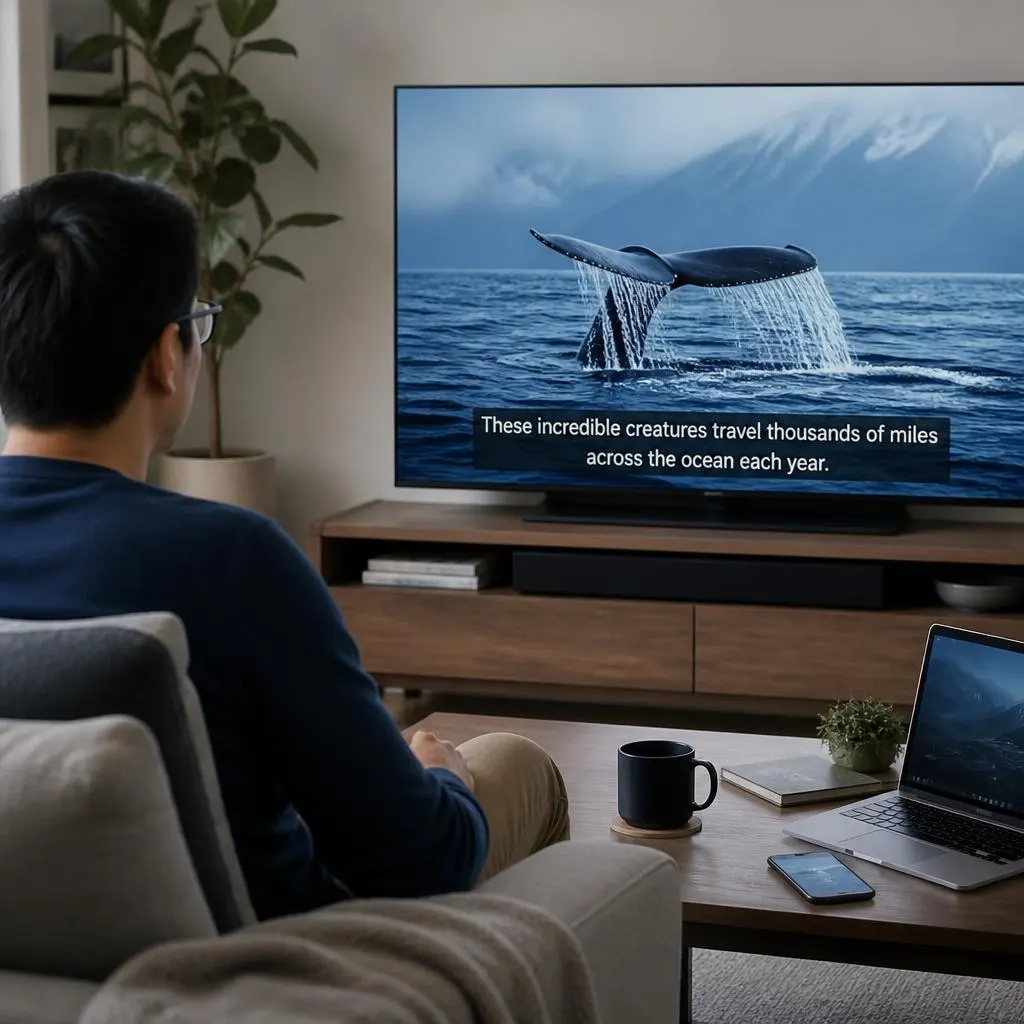
Closed captions display spoken dialogue as text on the screen. Depending on the program and caption track, they may also identify speakers and describe important sounds, music, or other audio information.
For example, a documentary might show the narrator’s words alongside the video. A drama may display dialogue and relevant sound descriptions to help viewers understand what is happening.
The key difference is that PBS captions are connected to the video being played, while a general live captioning app may attempt to recognize speech from audio playing on your device or through its microphone.
If you only want to watch PBS programs with readable dialogue, start with the built-in CC option. It is simpler and avoids installing unnecessary software.
How to Turn On Closed Captions on PBS
The steps depend on whether you watch PBS in a web browser, on a phone, or on a television. Follow the instructions for your device.
1. On the PBS Website
If you watch programs through PBS.org on a computer, you can enable captions directly in the video player.
Step 1: Open a PBS video
Visit website and play a program that supports captions.
Step 2: Select CC
Look for the CC button near the lower-right corner of the video player.
Step 3: Choose English
Select English or another language if the video offers one. Captions should appear over the video.
You can also adjust the appearance of captions using the controls beside the CC button. PBS explains these steps in its website.
2. On an Android Phone or Tablet
The PBS app supports closed captioning on Android phones and tablets. You can use the app’s own caption settings rather than relying on a separate service.
- Open the PBS app and select a program.
- Tap Play and wait for the video to begin.
- Tap the screen to display the playback controls.
- Select the CC icon near the bottom right.
- Choose English, CC from the available options.
- Return to the video and check that the words appear.
To disable captions later, open the same menu and select Off.
3. On an iPhone or iPad
PBS also offers captions in its iOS app. The menu may look slightly different from the Android version.
- Open the PBS app and start playing a video.
- Wait until the video playback controls appear.
- Tap the three-dot menu at the bottom right.
- Select Subtitles.
- Choose English or English SDH, if available.
- Return to the video and confirm that captions are visible.
PBS notes that you may need to repeat these steps for each video session on the iPhone or iPad app.
4. On a Smart TV or Streaming Device
If you watch PBS on a television, captions are often available through the PBS app or your device’s accessibility settings.
- Roku: Start a PBS video, press the star button on your remote, and select the appropriate caption mode. Choose On Always if you want captions enabled consistently.
- Apple TV: Pause the video, open the playback controls, select the closed captioning icon, and choose English.
- Android TV: Start a PBS video, use the remote’s directional controls to reveal the player options, select CC, and choose English, CC.
- Samsung Smart TV: Open Settings, then General, Accessibility, and Caption Settings. Turn captions on if your model uses the TV’s system settings.
Best Free Alternatives to a PBS Captioning App
If PBS’s built-in captions are not enough for your needs, you have other options. The best choice depends on whether you want to watch PBS with subtitles, caption other apps, or transcribe live conversations.
1. Android Live Caption
Best for compatible Android phones
Google’s built-in Live Caption feature automatically generates captions for supported speech in audio and video on your device. This may be useful if you want captions outside the PBS player, too.
To try it, press a volume button and look for Live Caption beneath the volume controls. You can also search for Live Caption in Settings.
2. Apple Live Captions
For supported Apple devices
Apple’s Live Captions feature can transcribe supported spoken audio from apps and nearby conversations. It is different from standard subtitles supplied by PBS.
On a compatible iPhone, check Settings, then Accessibility, then Live Captions. Availability varies by device, language, and region.
3. Google Live Transcribe
This free Android accessibility tool is designed primarily to turn nearby speech into text. It is especially useful for conversations, appointments, or situations where you need to read what someone says.
It is not the first option to try for PBS playback. Its microphone-based design makes it more suitable for live speech than for replacing captions already available in a video player.
These alternatives are not identical, and device-level captioning does not guarantee accurate captions for every PBS stream. If the built-in PBS captions work well, there is little reason to add another app.
Is There a Completely Free Captioning App for PBS?
Yes, but it helps to distinguish between a free app and a free feature.
- PBS closed captions: Available through the supported PBS video player without a separate captioning subscription.
- Android Live Caption: A built-in feature on compatible Android devices, rather than a standalone app you must purchase.
- Apple Live Captions: A built-in accessibility feature on supported Apple devices and in supported regions.
- Third-party captioning apps: Some offer free access, but others limit usage, charge subscriptions, or offer paid upgrades.
Before downloading a third-party app, check whether it requires a subscription after a trial. Also, avoid apps that promise to caption every PBS program perfectly. Automatic speech recognition can make mistakes, especially with background noise, unfamiliar names, accents, and overlapping speech.
What Is the Difference Between Closed Captions and Live Captions?
Both features display speech as text, but they work differently.
| Feature | Closed captions | Live captions |
|---|---|---|
| Main purpose | Display captions supplied with a video | Generate text from detected speech |
| How they work | Use an available caption track | Use speech recognition |
| Accuracy | Depends on the supplied caption track | Depends on the speech recognition system |
| Sound descriptions | May include music and relevant sound effects | Depends on the device and feature |
| Best use | PBS shows and supported videos | Supported audio without an existing caption track |
For example, if you are watching a PBS documentary with an English caption track, the built-in captions are usually the best place to start. If you move to another app that has no subtitles, Live Caption may provide an alternative on a compatible device.
Neither option guarantees support for every language, program, or device.
Why Are PBS Closed Captions Not Showing?
If you have selected the caption option but still cannot see the words, try these troubleshooting steps before installing anything else.
The CC Button Is Missing
Some videos may not offer captions, and the position of the controls varies by platform. Start the video, tap or click the screen, and look for CC, Subtitles, or a caption icon.
If the option remains unavailable, try another PBS video to determine whether the issue affects one program or the whole app.
PBS explains that caption availability can differ between videos, particularly when certain clips or other content do not have a caption track.
Captions Are Turned Off by Default
You may need to enable captions manually. Open the video settings, select CC, and choose English rather than Off.
Do not assume that turning captions on for one program automatically enables them everywhere. PBS’s player settings and device behavior can vary.
Captions Appear in the Wrong Language
Open the caption menu and check the available language options. Choose the language you understand best.
If English is not listed, that video may not offer an English caption track. A device-level translation feature may help in some situations, but it cannot guarantee accurate translation for every stream.
Captions Are Too Small or Difficult to Read
Look for a Customize option in the PBS caption menu. Depending on the player, you may be able to adjust the font size, color, font style, or background.
You can also explore your television’s accessibility settings if you watch PBS on a TV. A larger font and a contrasting background can make long documentaries easier to follow.
Captions Are Delayed or Incorrect
First, pause and resume the video. If the problem continues, restart the app or reload the page.
If you are using automatic Live Caption rather than PBS’s own caption track, some errors are expected. Speech recognition can struggle with music, background noise, proper names, and people talking at the same time.
If a particular PBS video consistently has missing or incorrect captions, contact and provide the program title, device, and a description of the problem.
How to Choose the Right Free Captioning Option
The simplest solution is usually the one that already comes with your device or video service. Use your specific needs to decide which option makes sense.
- You only watch PBS: Start with the PBS app or PBS.org CC button.
- You watch PBS on Android: Try PBS’s built-in captions first, followed by Android Live Caption if needed.
- You watch PBS on an iPhone or iPad: Use the PBS subtitle menu, then check Apple’s accessibility features if necessary.
- You watch on a smart TV: Try the caption settings in the PBS player and the television’s accessibility menu.
- You need captions for everyday conversations: Consider a dedicated live transcription tool such as Google Live Transcribe.
- You need larger text: Look for caption customization options before downloading another app.
- You need captions in another language: Check the video’s available caption tracks and your device’s supported translation features.
One important consideration is privacy. If you use a third-party captioning service, read its privacy policy and understand whether audio is processed on your device or sent to a remote server. For sensitive conversations, choose an option with privacy protections that meet your needs.
Common Mistakes to Avoid When Looking for PBS Captions
A few simple mistakes can make captioning more complicated than necessary.
- Downloading an unnecessary app: Check the built-in CC option first.
- Assuming every PBS video has captions: Caption availability varies by video.
- Confusing captions with translation: English captions do not automatically mean subtitles are available in other languages.
- Expecting perfect automatic transcription: Live Caption can misinterpret words, names, and background speech.
- Paying before checking free features: Your phone, tablet, TV, or PBS player may already provide what you need.
- Ignoring accessibility settings: Font size, contrast, and background settings can improve readability.
- Assuming captions solve streaming restrictions: Captioning does not make a program available if PBS cannot stream it in your region or no longer has the necessary streaming rights.
FAQs
1. Is there a free closed captioning app for PBS?
Yes. The PBS app offers built-in closed captioning for supported videos, so you generally do not need an additional app. You can also use PBS.org on a computer and select CC in the video player.
2. Does the PBS app charge extra for closed captions?
PBS provides captioning controls in its supported video players. You do not normally need a separate captioning subscription to activate them. However, access to an individual program may have separate streaming eligibility or membership requirements.
3. Can I watch PBS with captions on my phone?
Yes. The PBS app supports captions on Android phones, iPhones, and tablets. Start a video and open the CC or subtitle menu to choose an available caption track.
4. Can Android Live Caption work with PBS?
It may work on compatible Android devices when the audio and app are supported. However, it generates captions using speech recognition and is not the same as selecting the original PBS caption track. Test it on your specific phone and video.
5. Is there a free app that captions all TV programs?
There is no single app that guarantees captions for every program on every device. Built-in captioning, operating system accessibility features, and third-party transcription tools each have limitations.
For PBS, use its own captions whenever possible. For other content, check which features your device supports.
6. Can I change the size of PBS captions?
PBS provides caption customization options in supported players. Look for the settings icon or Customize option near the CC menu. Available styling controls may differ by device.
7. Why do some PBS programs have no captions?
Some videos may not have an available caption track. PBS notes that caption availability depends partly on the type of content and applicable captioning requirements. Try another video or contact PBS Help if a full program appears to be missing captions.
8. Do I need PBS Passport to turn on captions?
Captioning itself is not generally a Passport-only feature. However, some programs require Passport or other eligibility to stream. A caption option cannot remove those viewing restrictions.
9. Can I use closed captions without sound?
Yes. Closed captions let you follow dialogue and relevant audio information while the sound is muted, provided the video has captions and you have enabled them.
10. Are closed captions the same as subtitles?
Not exactly. Subtitles generally focus on spoken dialogue, while closed captions can also include information about relevant sounds and music. In everyday use, the terms sometimes overlap, and a player may offer both standard subtitles and SDH captions for deaf and hard-of-hearing viewers.
Conclusion
If you are asking, “Is there a free closed captioning app for PBS?”, the answer is yes, and you probably already have access to the easiest solution.
Start a video in the official PBS app or on PBS.org, select CC, and choose English or another available language. If the built-in captions do not meet your needs, explore Android Live Caption, Apple’s accessibility features, or a suitable live transcription app.
For most PBS viewers, starting with the built-in caption controls saves time, avoids unnecessary downloads, and provides the most direct way to follow the program.