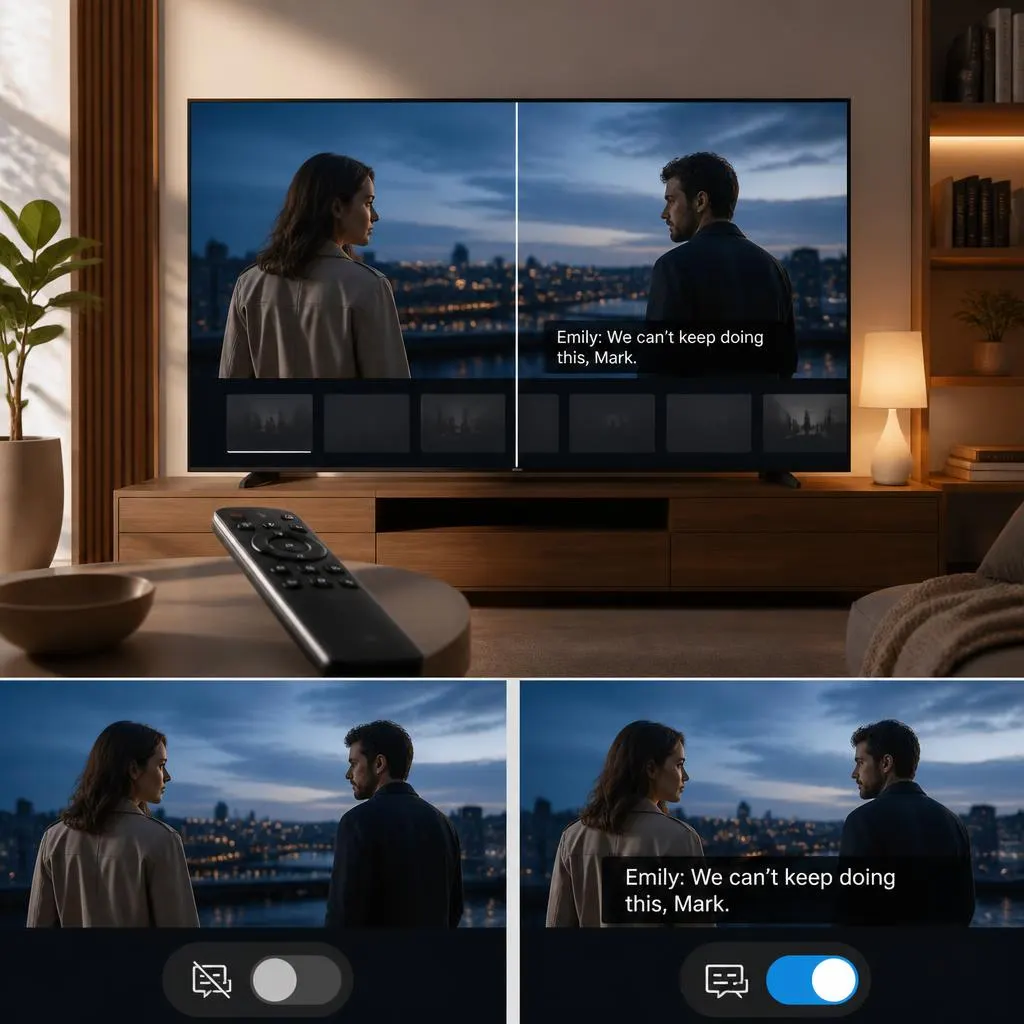
How to Turn Off Closed Caption on YouTube TV and Netflix | Simple Ways to Watch Without Subtitles 📺✨ 2026
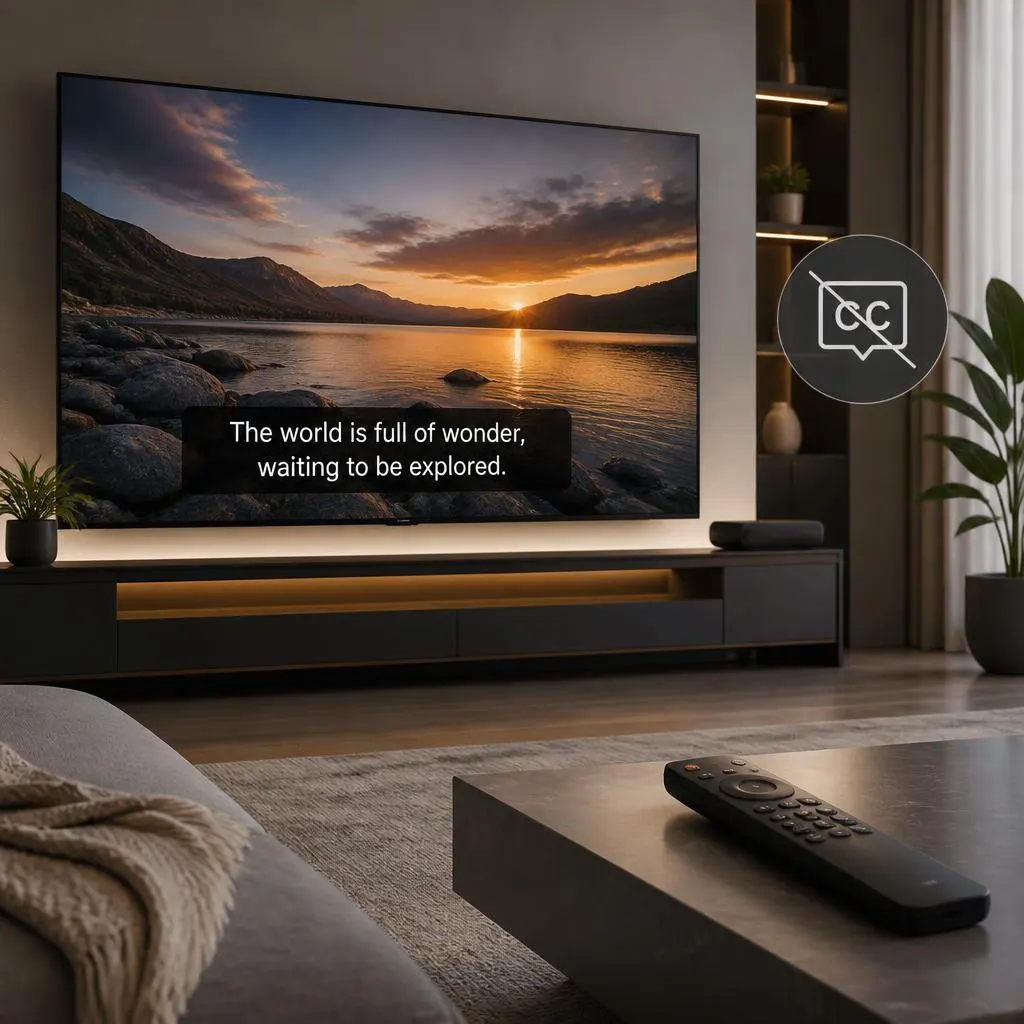
Quick Answer:To turn off closed captions on YouTube TV, start playing a video, select the CC icon, and choose Off. On Netflix, play a movie or show, open the Audio & Subtitles menu, and select Off under subtitles. If captions keep appearing, check your device’s accessibility or subtitle settings. Closed captions are helpful when you …
Read more about How to Turn Off Closed Caption on YouTube TV and Netflix | Simple Ways to Watch Without Subtitles 📺✨ 2026