
Remove Closed Captions | Easy Steps for TV, Streaming Apps, and Phones (2026)
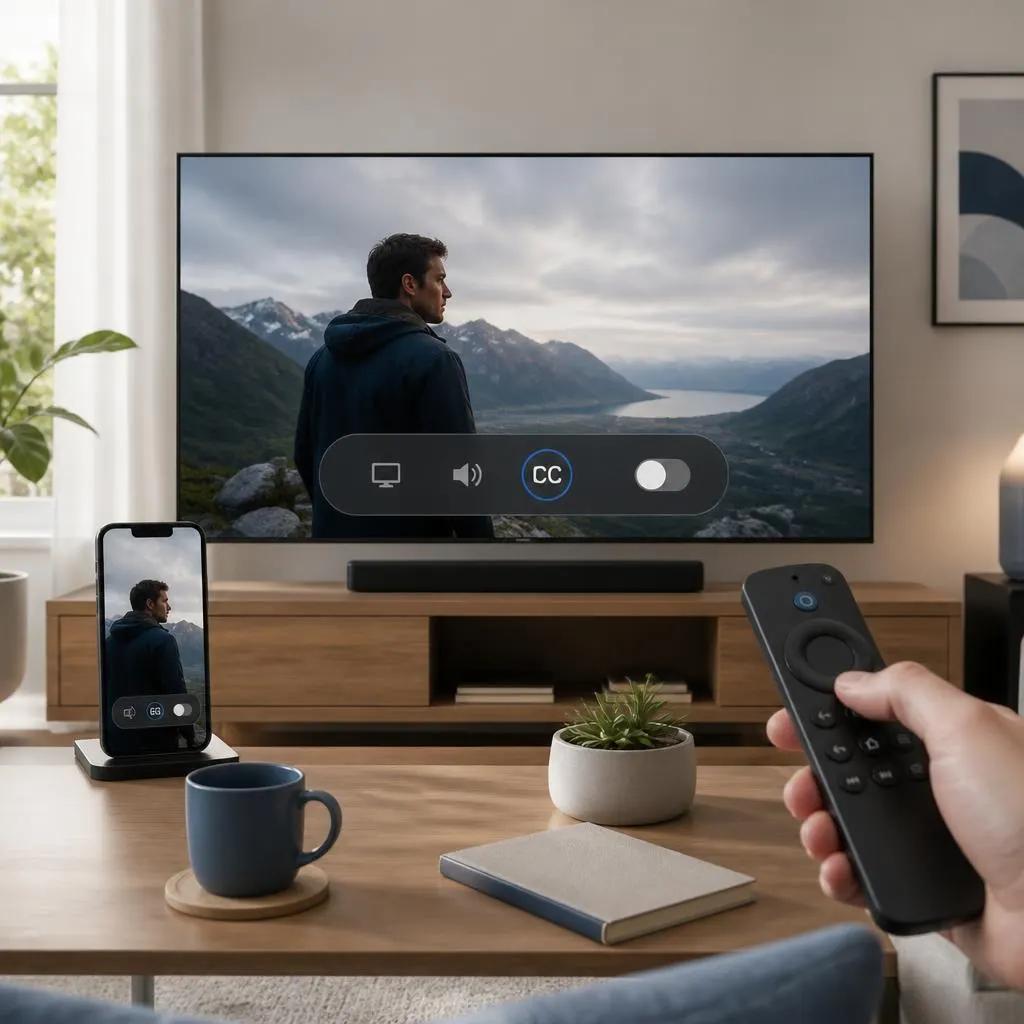
Quick Answer:To remove closed captions, open the video or TV program you are watching, find the CC, Subtitles, Audio & Subtitles, or Accessibility menu, and select Off or None.f captions remain visible, check the device’s accessibility settings or the individual streaming app. Some services save subtitle preferences separately, so turning captions off on your television …
Read more about Remove Closed Captions | Easy Steps for TV, Streaming Apps, and Phones (2026)