
How to Add Captions in Premiere Pro| Make Your Videos Clear, Polished, and Accessible 🌟 (2026)
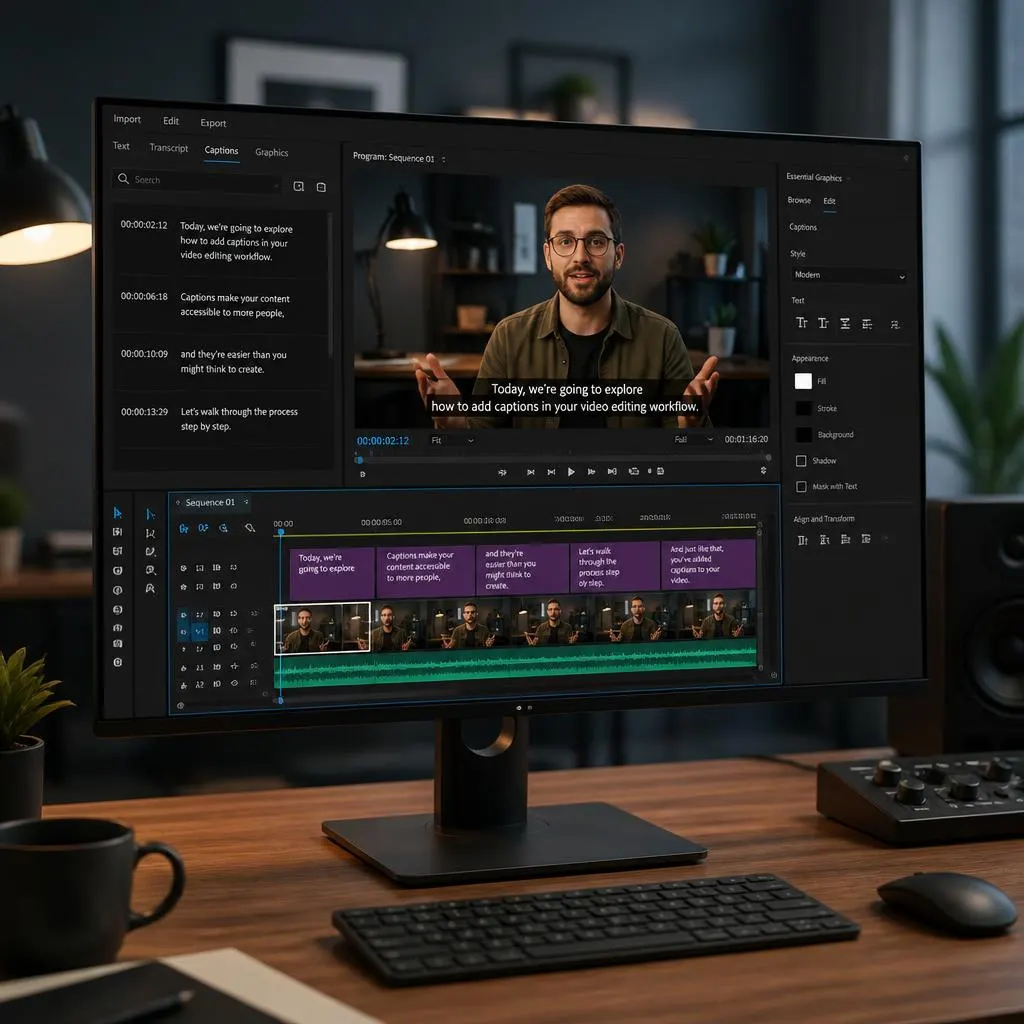
Quick Answer: To add captions in Adobe Premiere Pro, open your video in the timeline, go to the Text panel, and use the Transcribe Sequence feature to generate a transcript from the dialogue. Review the transcript, then select Create Captions to turn it into timed subtitles. You can customize the caption style, font, color, and …
Read more about How to Add Captions in Premiere Pro| Make Your Videos Clear, Polished, and Accessible 🌟 (2026)