How Do I Turn Off Closed Captioning? | 🔤 Quick Guide for Every Device in 2026
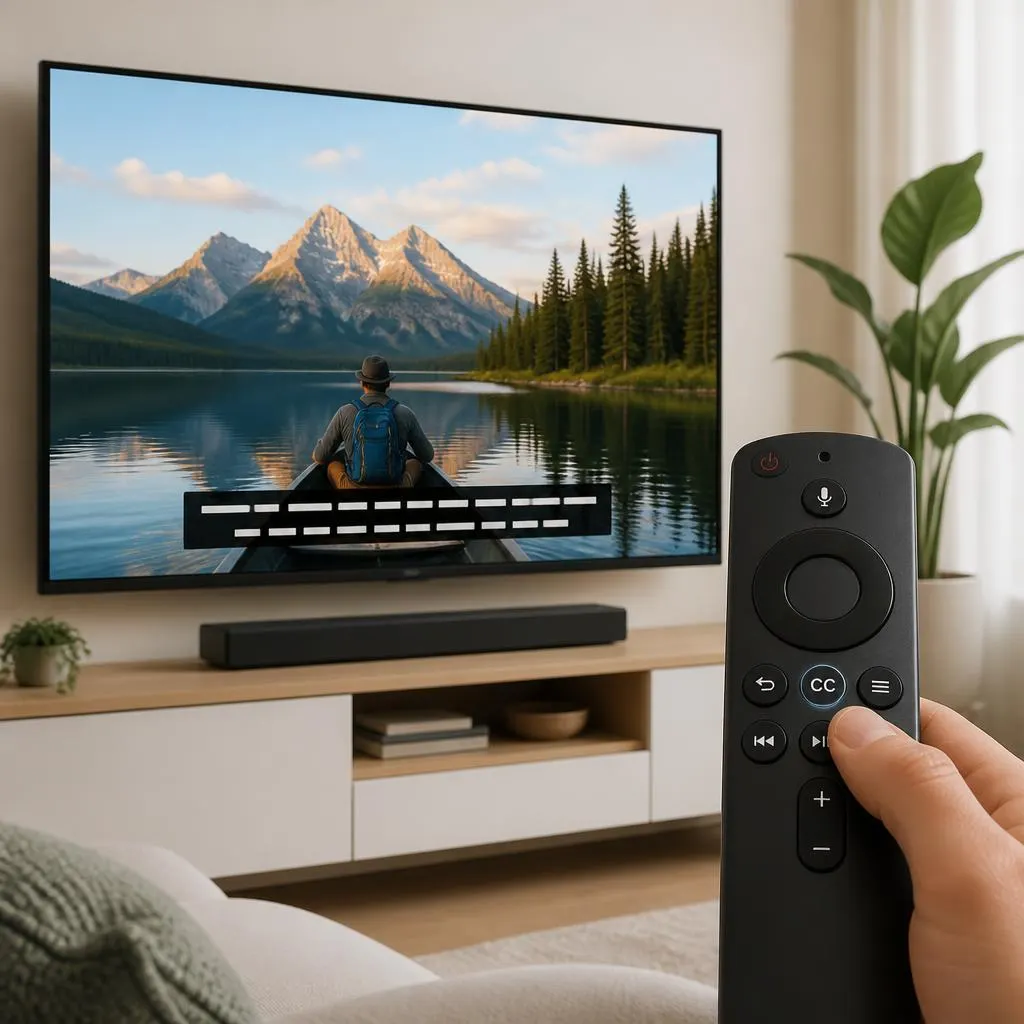
Quick answer:To turn off closed captioning, open the video controls and select the CC, Captions, or Subtitles icon. Choose Off to remove the captions. If they keep appearing, check your device or streaming app’s accessibility and subtitle settings. If you are wondering how do I turn off closed captioning, the answer depends on the device …
Read more about How Do I Turn Off Closed Captioning? | 🔤 Quick Guide for Every Device in 2026