How to Turn Off Closed Caption on Roku | Easy Steps for Every TV (2026)
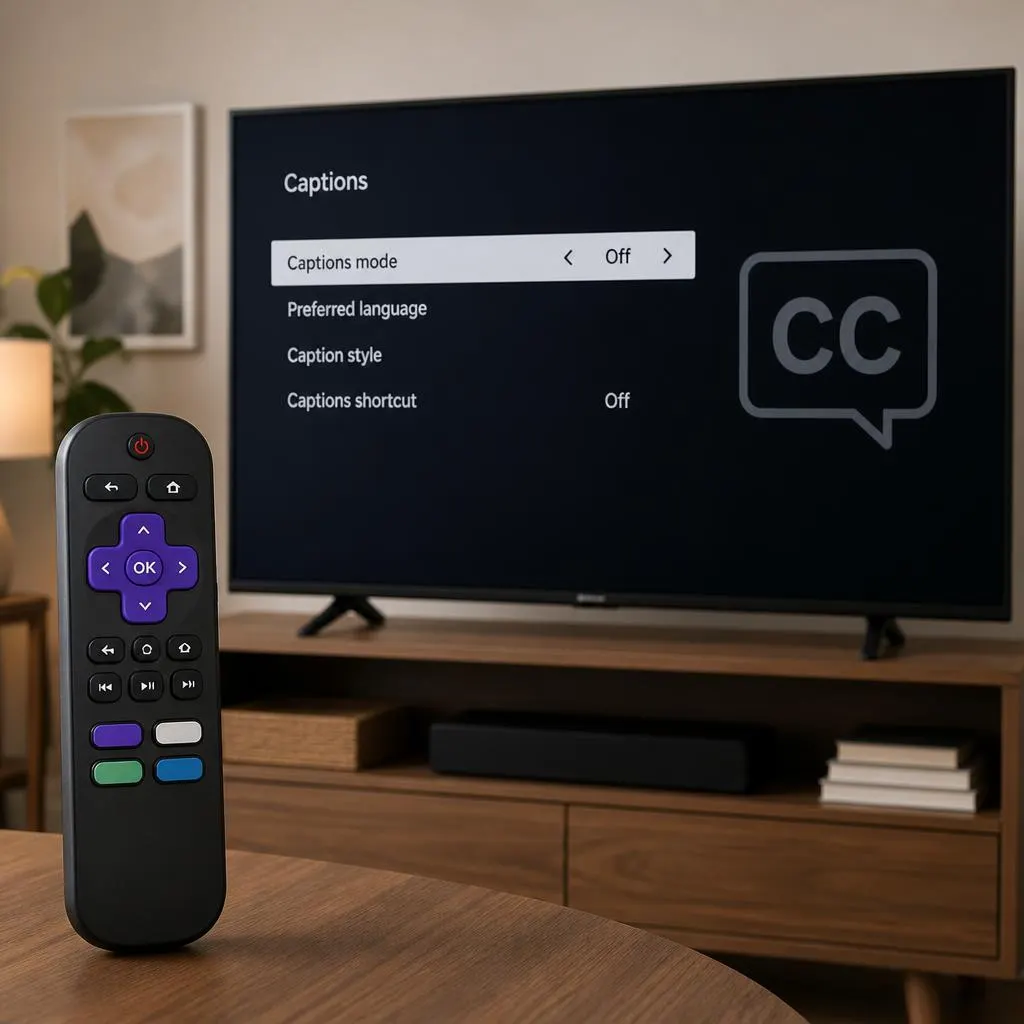
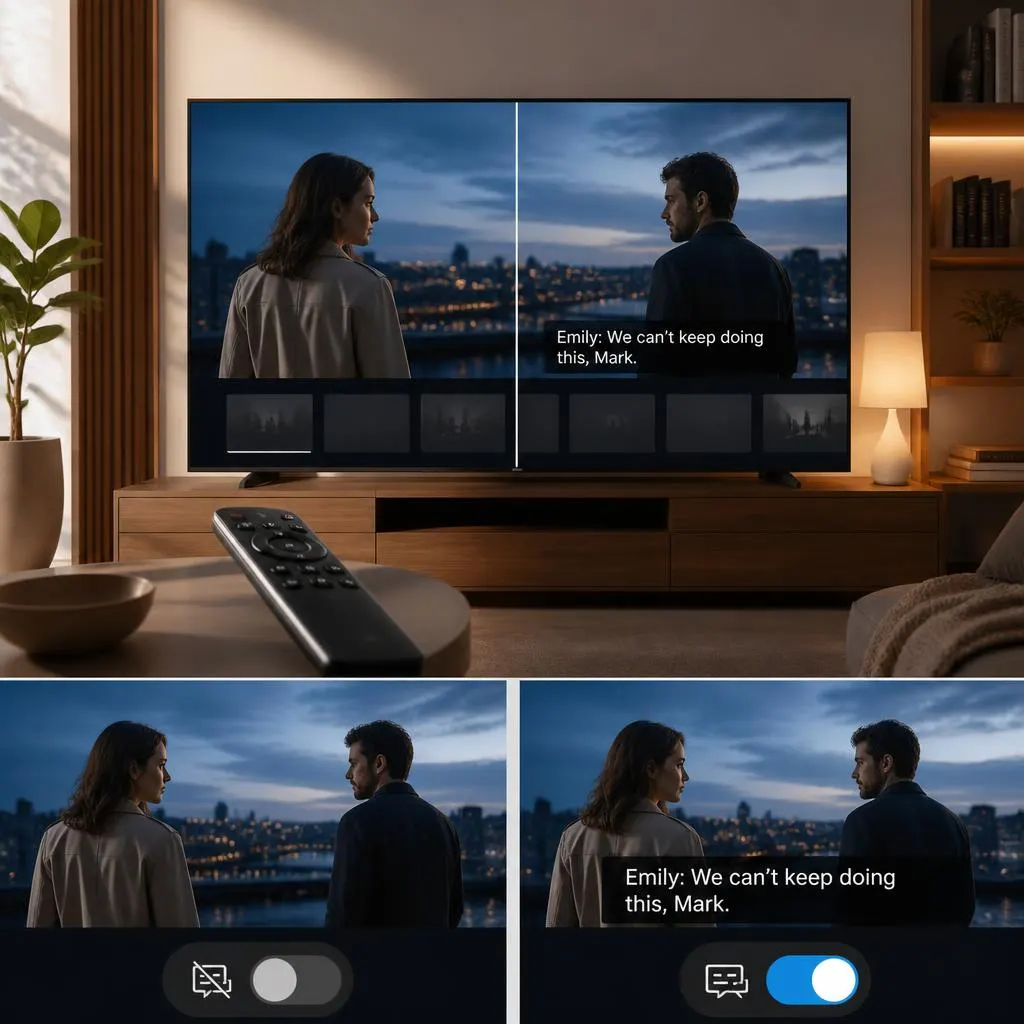
Quick Answer:To turn off closed captions on Roku, press the Home button on your Roku remote, open Settings, select Accessibility or Captions, and choose Captions mode. Set it to Off to disable captions. If captions continue appearing while watching Netflix, Hulu, Disney+, or another streaming service, check the caption settings inside that particular app. Some …
Read more about How to Turn Off Closed Caption on Roku | Easy Steps for Every TV (2026)