Chrome Closed Captioning Extension With Transcripts | A Complete Guide

Chrome closed captioning extension with transcripts

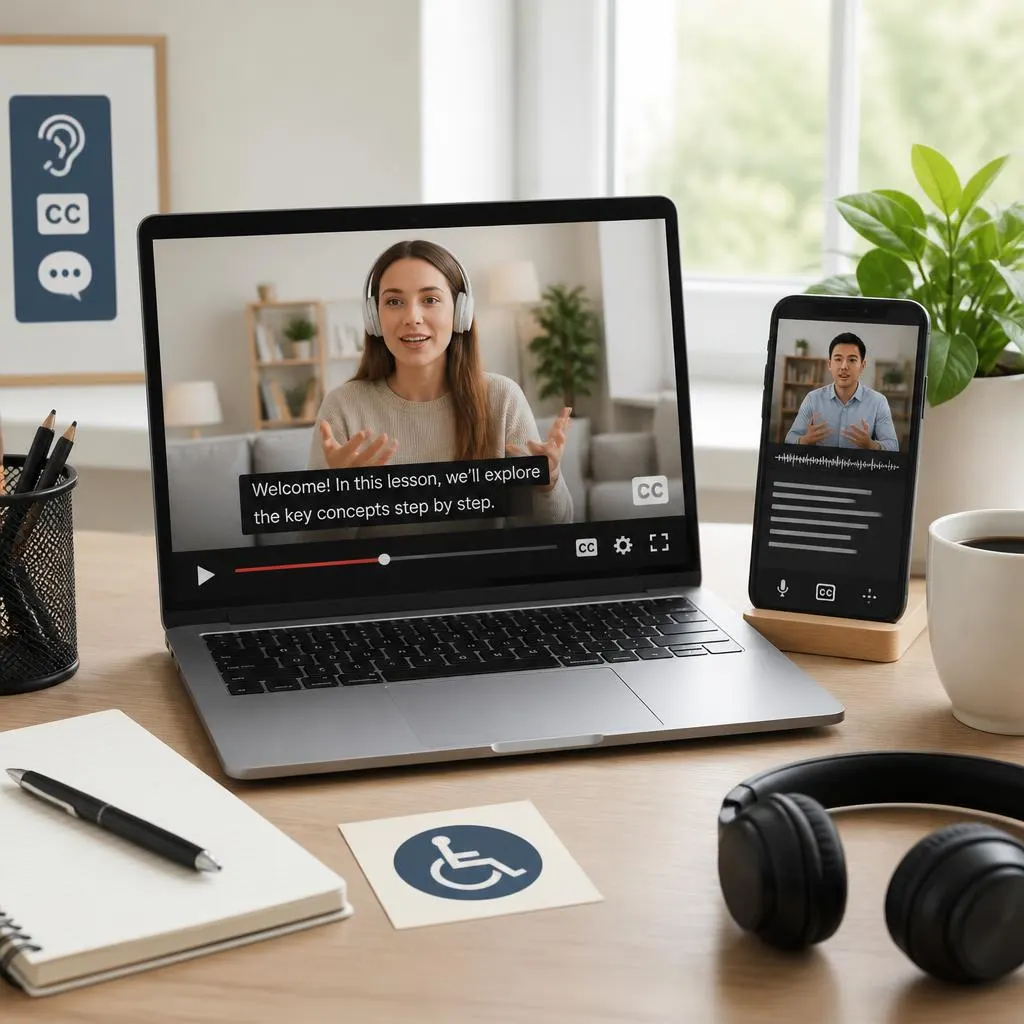
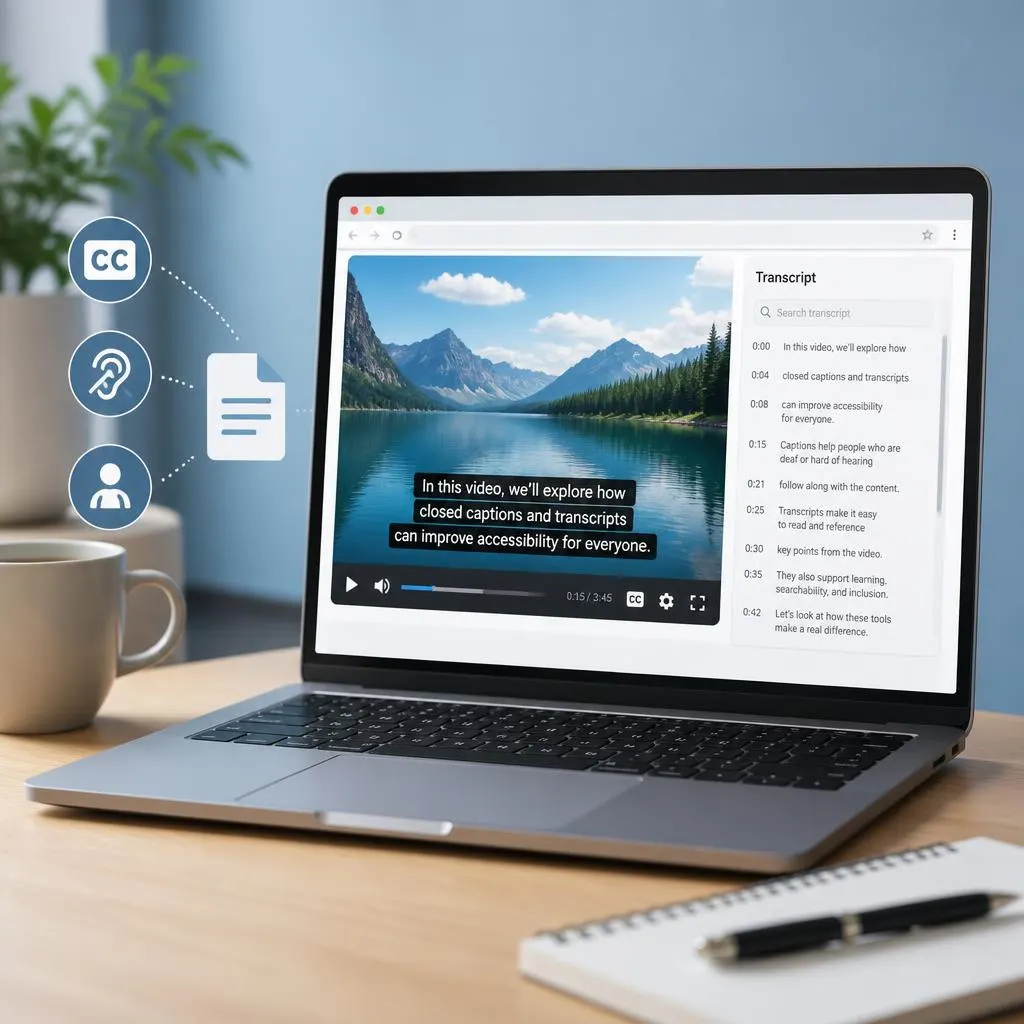
Quick answer: A Chrome closed captioning extension with transcripts helps you read spoken words while watching videos and, with supported tools, save or search the text later. Chrome Live Caption provides real time captions, while extensions such as TubeTranscriber and GetTranscript offer transcript features for supported videos. Choose a tool based on caption accuracy, transcript …

Read more about Chrome Closed Captioning Extension With Transcripts | A Complete Guide
Free Internet Closed Captionins | Meaning, Best Tools, and Easy Accessibility Tips ♿ 2026

a free internet closed captioning

A free internet closed captioning tool can make online videos easier to understand by displaying spoken words, important sounds, and other audio information as text on the screen. Whether you watch YouTube videos, attend online classes, create social media content, or publish educational videos, captions can help more people access your content. Closed captions are …

Read more about Free Internet Closed Captionins | Meaning, Best Tools, and Easy Accessibility Tips ♿ 2026

Netflix Closed Captioning| Easy Settings, Better Viewing 🎬 2026

Netflix and closed captioning

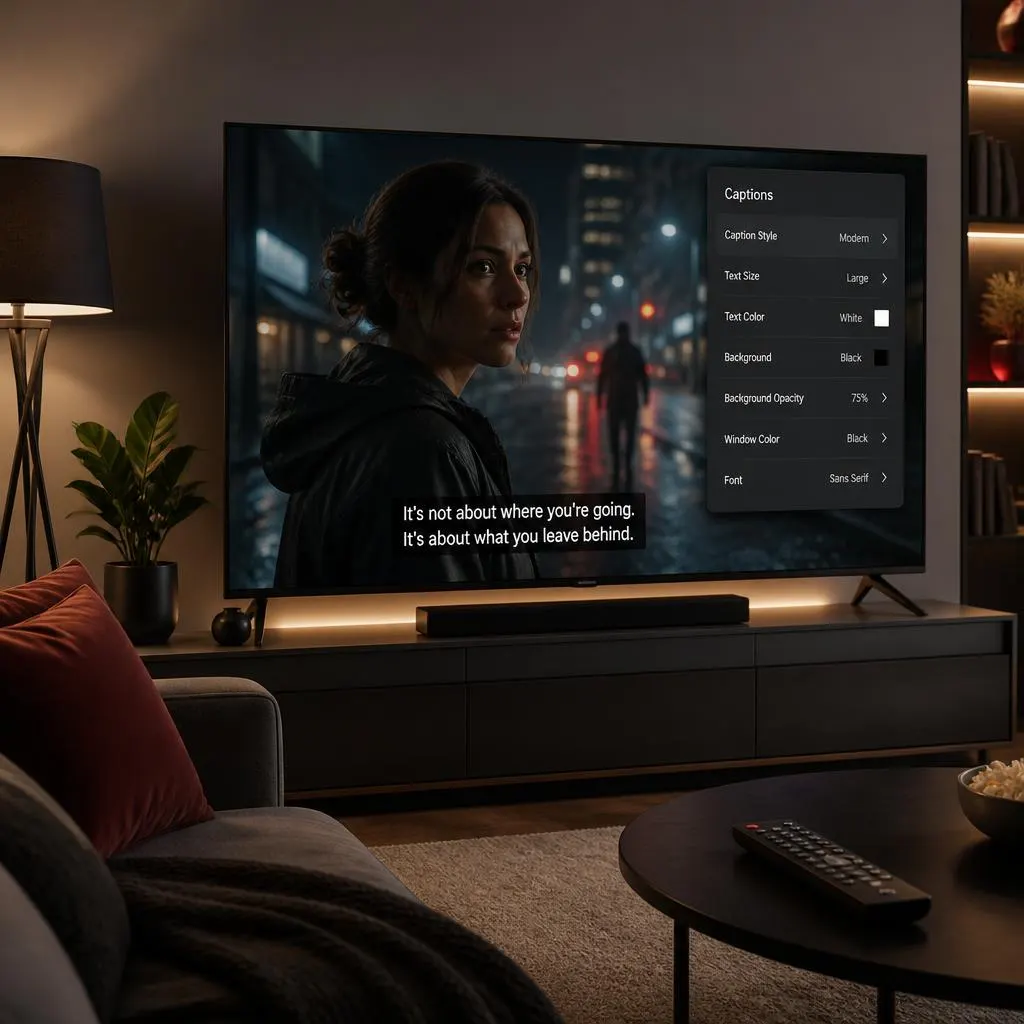
Quick Answer: Netflix closed captioning displays spoken dialogue as text on the screen, along with important sound effects, speaker identification, and other audio cues when available. To turn captions on or off, start playing a title, open the Audio & Subtitles menu, and select your preferred caption or subtitle option. Netflix also lets viewers customize …

Read more about Netflix Closed Captioning| Easy Settings, Better Viewing 🎬 2026

How to Turn Off Live Caption | Stop Unwanted Captions in Seconds (2026)

how to turn off live caption

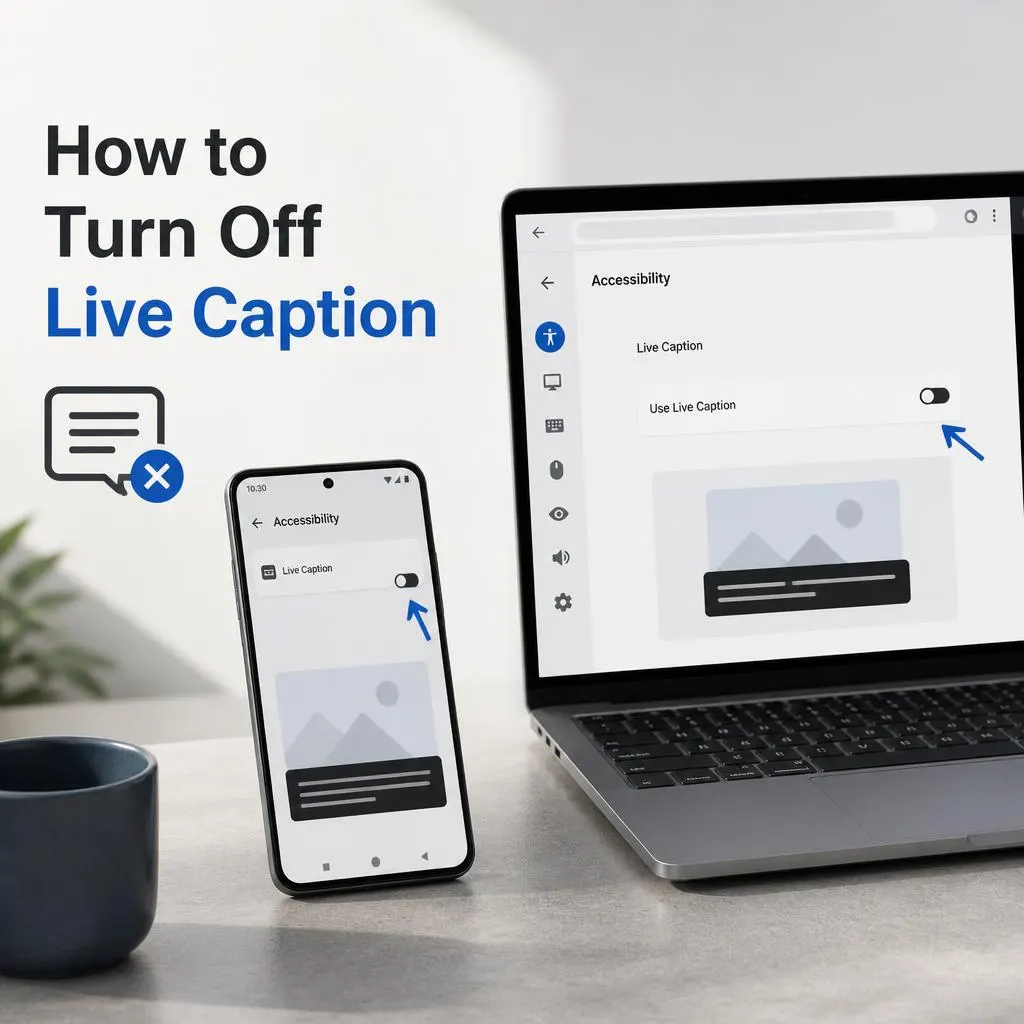
Quick Answer:To turn off Live Caption, open your device’s Settings, search for Live Caption, and switch it off. On most Android phones, you can also press a volume button, tap the Live Caption icon in the volume panel, and disable it. On Google Chrome, open Settings → Accessibility and turn off Live Caption. The exact …

Read more about How to Turn Off Live Caption | Stop Unwanted Captions in Seconds (2026)

Closed Captioning Software and Services | Meaning, Benefits, Accessibility & How They Work

Closed Captioning Software and Services

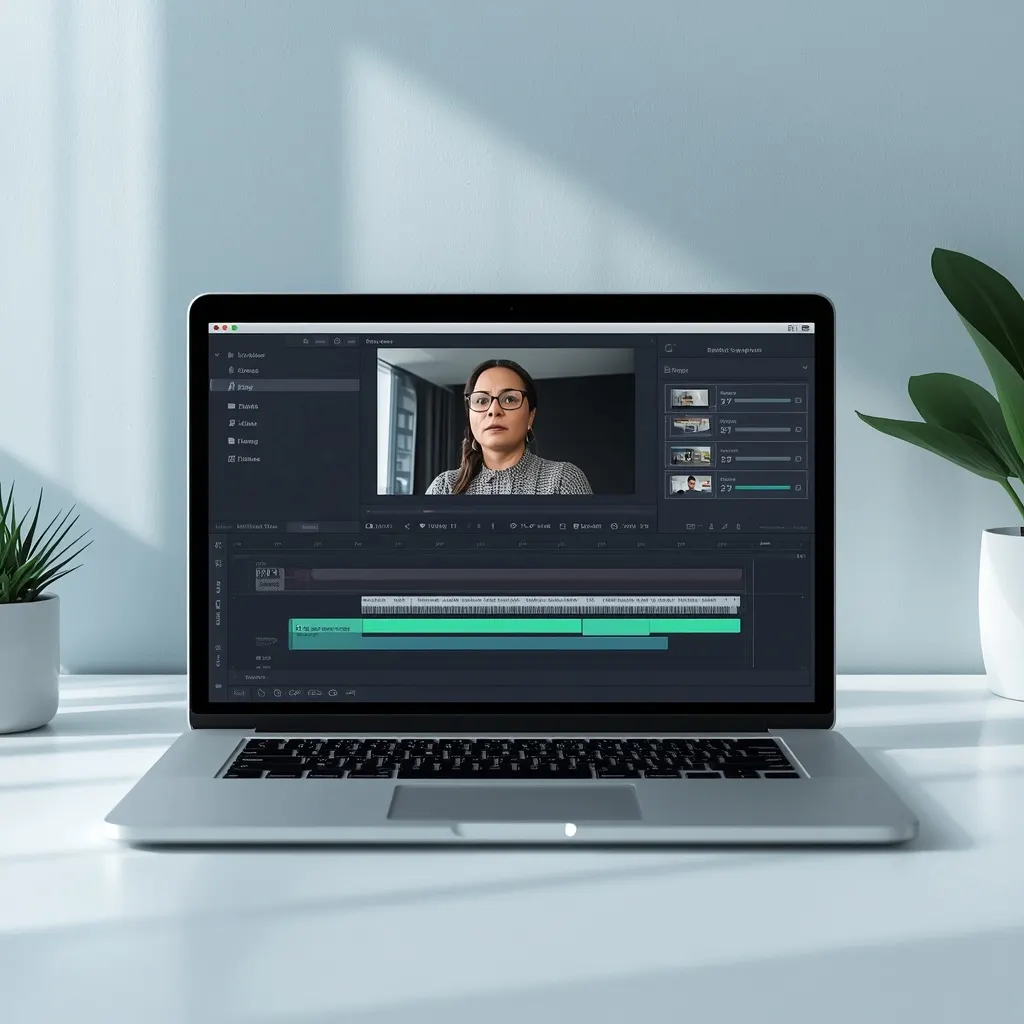
Quick Answer:Closed captioning software automatically converts spoken dialogue and important sounds in a video into synchronized on-screen text. Closed captioning services provide a more complete solution by creating, editing, timing, formatting, and reviewing captions for accuracy and accessibility. They help make videos easier to understand for people who are Deaf or hard of hearing and …

Read more about Closed Captioning Software and Services | Meaning, Benefits, Accessibility & How They Work

Turn Closed Captioning Off | Simple Ways to Remove Subtitles 📺 2026

turn closed captioning off

Quick Answer:To turn closed captioning off, open your TV, streaming app, or device’s Accessibility, Subtitles, or Captions settings and switch Closed Captions (CC) to Off. On many TVs and streaming services, you can also turn captions off directly while a video is playing by selecting the CC or Subtitles icon and choosing Off. f captions …

Read more about Turn Closed Captioning Off | Simple Ways to Remove Subtitles 📺 2026

How to Turn Off Closed Caption: Quick Guide for TV, Phone & Apps

how to turn off closed caption

Quick Answer:To turn off closed caption, start playing your video and select the CC, Captions, or Subtitles icon. Choose Off or None to remove the text from the screen. If captions keep appearing, open your device or app’s Accessibility, Captions, or Subtitle settings and disable them there. To turn off closed caption, open the video …

Read more about How to Turn Off Closed Caption: Quick Guide for TV, Phone & Apps

Closed Caption vs Open Caption | Key Differences and Accessibility Guide

closed caption vs open caption

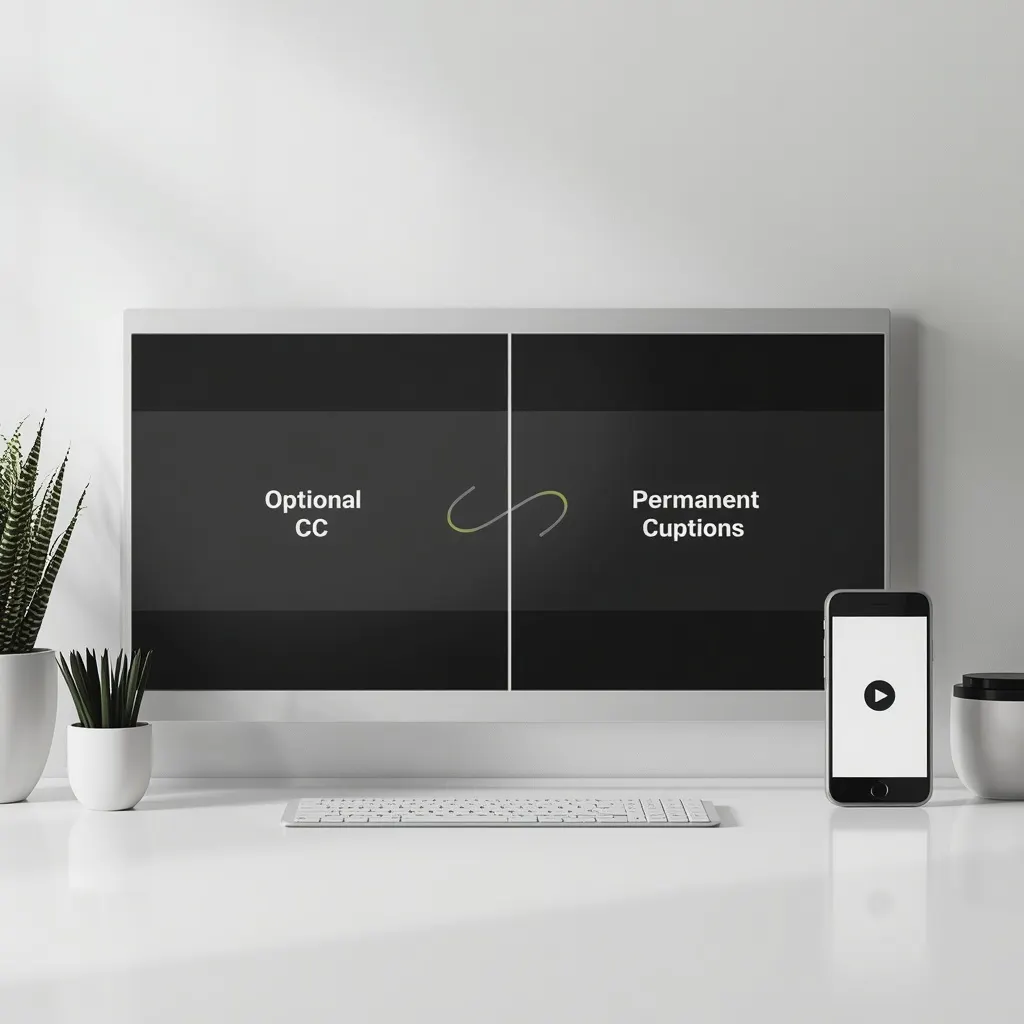
Quick Answer: Closed captions are optional text tracks that viewers can turn on or off. They can include spoken dialogue, speaker identification, music, and important sound effects.Open captions are permanently displayed as part of the video. Viewers cannot switch them off because the text has been embedded directly into the video. If you are comparing …

Read more about Closed Caption vs Open Caption | Key Differences and Accessibility Guide

Closed Caption Turn Off | How to Disable Captions on Any Device

closed caption turn off

Quick Answer:To turn off closed captions, open the video controls and look for the CC, Subtitles, or Captions button. Select Off. If captions keep coming back, check the accessibility or subtitle settings on your device or streaming service. Some platforms save your caption preference across videos. Trying to figure out how to closed caption turn …

Read more about Closed Caption Turn Off | How to Disable Captions on Any Device

What Are Closed Captions?| A Clear Guide to CC, Sounds & Subtitles 💬

what are closed captions

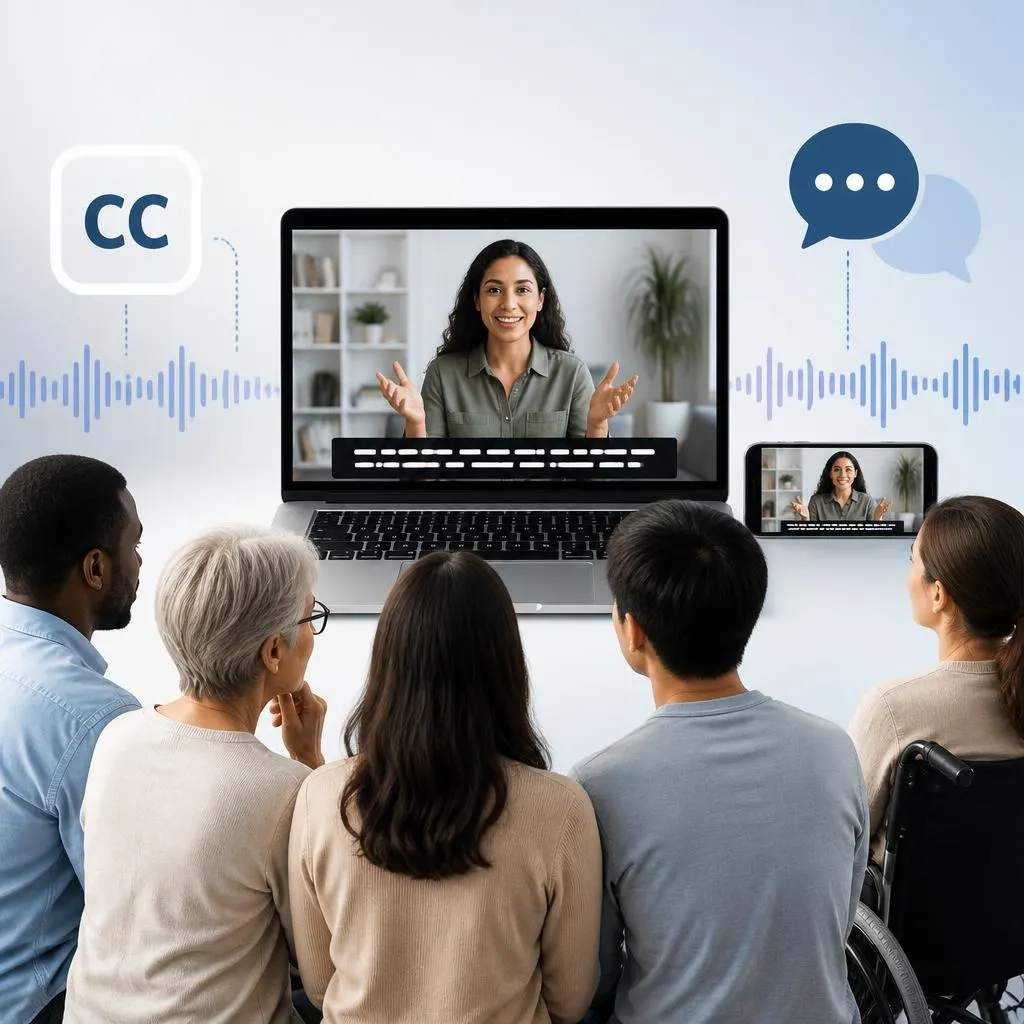
Quick answer:Closed captions are on-screen text that represents spoken dialogue and important audio information in a video. Viewers can turn them on or off, which makes closed captions different from open captions that remain visible. They can include dialogue, speaker identification, sound effects, music cues, and other meaningful audio details. Closed captions improve accessibility, especially …

Read more about What Are Closed Captions?| A Clear Guide to CC, Sounds & Subtitles 💬